Press kit
Writing about Notelet, or making a video? Here’s what it is in a sentence and in a paragraph, the facts, screenshots and the icon. Use any of it in a piece about Notelet, and write to hello@noteletapp.com for anything that isn’t here.
In a sentence
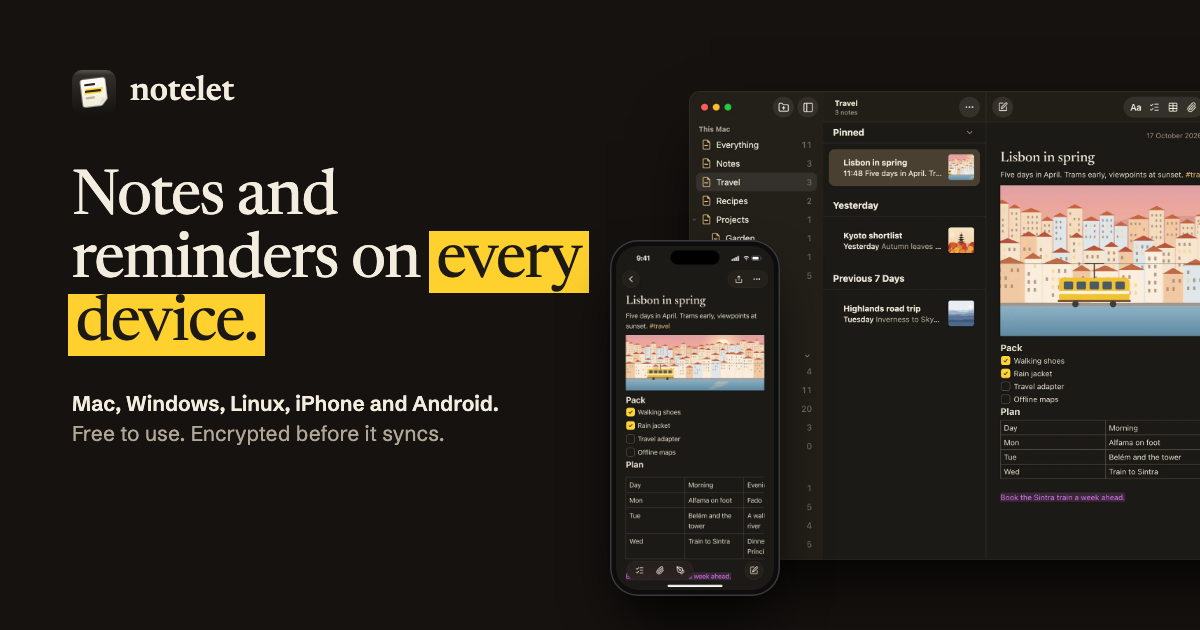
Notelet is a free notes and reminders app for Mac, Windows, Linux, iPhone, iPad, Android and the web, with each system’s own menus and controls, that encrypts your notes on your device before they sync.
In a paragraph
Notelet keeps notes and reminders together in one app, on every phone and computer: Mac, Windows, Linux, iPhone, iPad and Android, with a web app for any browser. On each system it uses that system’s own menus, dialogs and controls, so it feels as much at home on a Windows PC as on an iPhone. Notes have checklists, tables, pictures, sketches, links between notes and locked notes; reminders have lists, smart lists, repeats, subtasks and alerts. Every change is encrypted on the device before it syncs, through Notelet Cloud or through storage people already have, such as an S3 bucket or a WebDAV server. Everything Notelet does today is free, with 1 GB of Notelet Cloud, and Notelet Plus adds 50 GB for £3.49 a month or £29.99 a year. Notelet is made independently in the United Kingdom.
The facts
- Name
- Notelet, with a capital N; the logo writes it in lower case. Other apps called Notelet exist: this one is the notes and reminders app at noteletapp.com.
- What it is
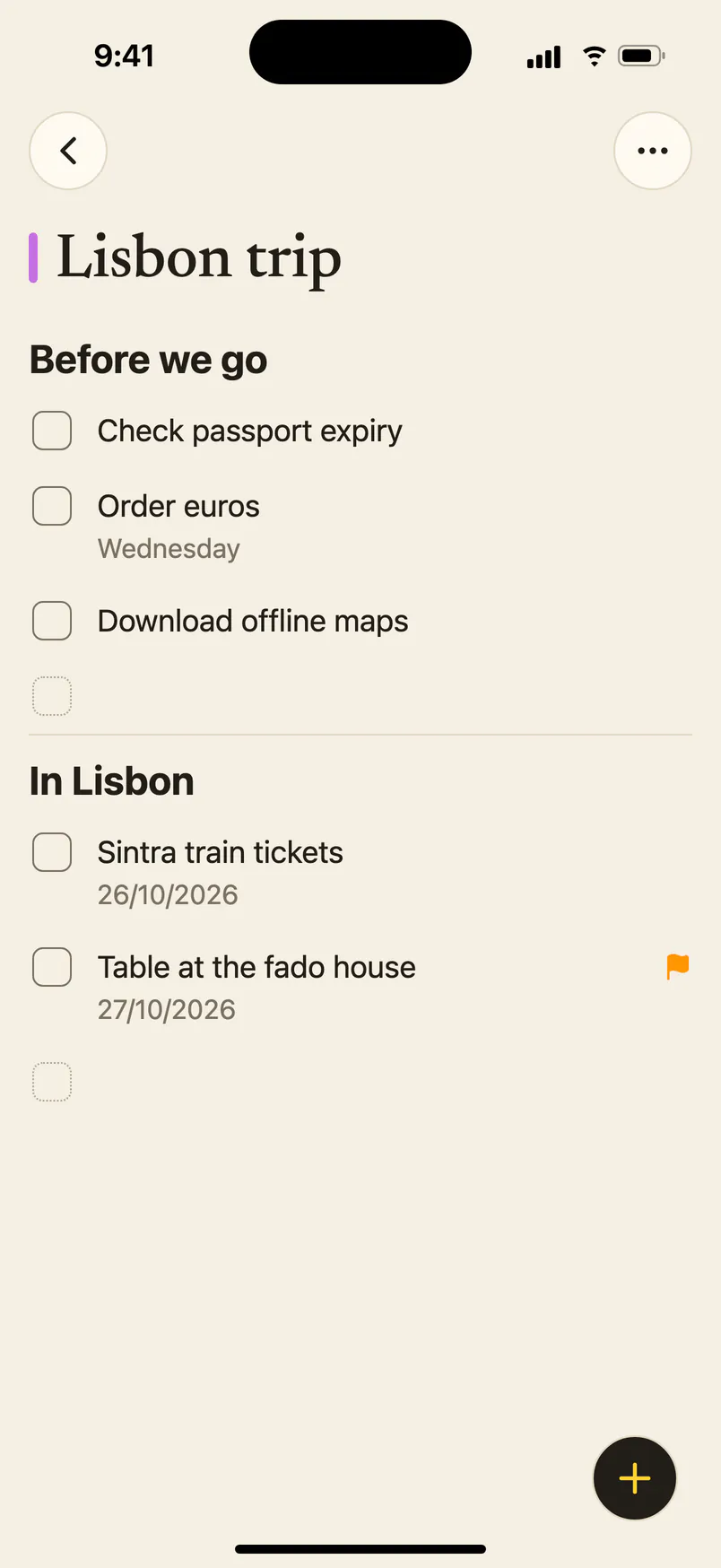
- Notes and reminders in one app: folders, smart folders, tags, checklists, tables, attachments and locked notes, with lists, smart lists (Today, Upcoming, Flagged, All), repeats, subtasks and alerts.
- Systems
- Mac (macOS 13 or later, Apple silicon and Intel), Windows 10 and 11 (x64 and Arm64), Linux (.deb, .rpm and AppImage, x86-64 and Arm64), iPhone and iPad (iOS and iPadOS 16.4 or later) and Android 7.0 or later, phones and tablets. A web app at app.noteletapp.com runs in a browser on any computer.
- Where it is now
- A public beta. The latest version is 0.10.21, and what’s new lists every release. The computer apps are on the download page; the iPhone and iPad app is a public TestFlight beta, and the Android app a Google Play test or an APK.
- Price
- Free for everything Notelet does today, with 1 GB of Notelet Cloud and files up to 25 MB. Notelet Plus is £3.49 a month or £29.99 a year, with 50 GB and files up to 512 MB. Family is £4.99 a month or £49.99 a year: Plus for up to six people, each with their own library, sharing 200 GB. These are UK prices; in the apps, Apple and Google show the price where you live. In January 2027 only, Plus is £24.99 a year, kept for as long as you renew, and there are 250 lifetime places at £79. Pricing
- What stays free
- Every feature Notelet had before Plus, on every device; syncing through your own storage; locked notes, encryption and Advanced protection; import and export. Nothing is deleted when a plan ends, and text always syncs.
- Sync
- Through Notelet Cloud (sign in with email, Google or Apple), or free through storage you already have: an S3-compatible bucket, a WebDAV server, or on a computer a folder that Dropbox, iCloud Drive, OneDrive or Syncthing keeps in step. It works offline, and edits made on two devices at once are both kept.
- Encryption
- Every change is encrypted on the device (XChaCha20‑Poly1305) before it leaves it, so the storage only ever holds sealed files. By default Notelet Cloud keeps a sealed copy of the library’s key, so someone who loses every device can sign in and get their notes back, like iCloud’s standard protection. Advanced protection deletes that copy: then only their devices and a seven-word passphrase open the notes. Through your own storage, no Notelet server is involved at all. How it works
- Privacy
- No ads, and no analytics or tracking in the app; this site sets no cookies. No account is needed to start.
- Moving in and out
- Imports from Apple Notes, Evernote, Google Keep, Simplenote, Bear and Obsidian, and from Apple Reminders on an iPhone or a Mac. Exports a note to Markdown or PDF, or the whole library as one .zip of Markdown files. Importing
- Made by
- Kristiyan Kanchev, an independent developer in the United Kingdom. Notelet isn’t made by, or affiliated with, Apple, Microsoft or Google, and its code isn’t published.
- Contact
- hello@noteletapp.com · Discord · noteletapp.com
What’s new
From the latest releases, all out now:
- Made for the iPad. Notelet runs full screen, with your folders, your notes and the open note side by side. Android tablets get the same layout. (0.10.21)
- Notelet in a browser. app.noteletapp.com on any computer, syncing through Notelet Cloud and working offline once it’s loaded. (0.10.21)
- Links between notes. Type >> to link to another note; each note lists the notes that link to it. (0.10.18)
- Apple Reminders, brought across. On an iPhone or a Mac, your lists and reminders come in with their dates, priorities and repeats. (0.10.18)
- The whole library in one file. Export Library saves every note and reminder as one .zip of Markdown files with their attachments, locked notes too. (0.10.19)
- Reminders on a computer, even with Notelet closed. On Mac, Windows and Linux, a reminder alerts at its time whether Notelet is open or not. (0.10.15)
- Free, Plus and Family. Everything Notelet does today stays free, with 1 GB of Notelet Cloud. Plus adds 50 GB and files up to 512 MB, and Family the same for up to six people.
Not out yet
Being made now, and not in the app you can download today:
- Sharing a reminders list or a notes folder with the people you choose (how it will work).
- Version history: going back to an earlier version of a note.
- With Plus: scanning paper into a note on a phone or tablet, and finding notes by the words in their pictures.
- A 30-day trial of Plus, with no card.
- Listings in the App Store and on Google Play.
Screenshots
Screenshots of the app itself, each in light and dark, as WebP files. Choose one to open it at full size. Need a PNG, another size or another screen? Ask.
On a computer
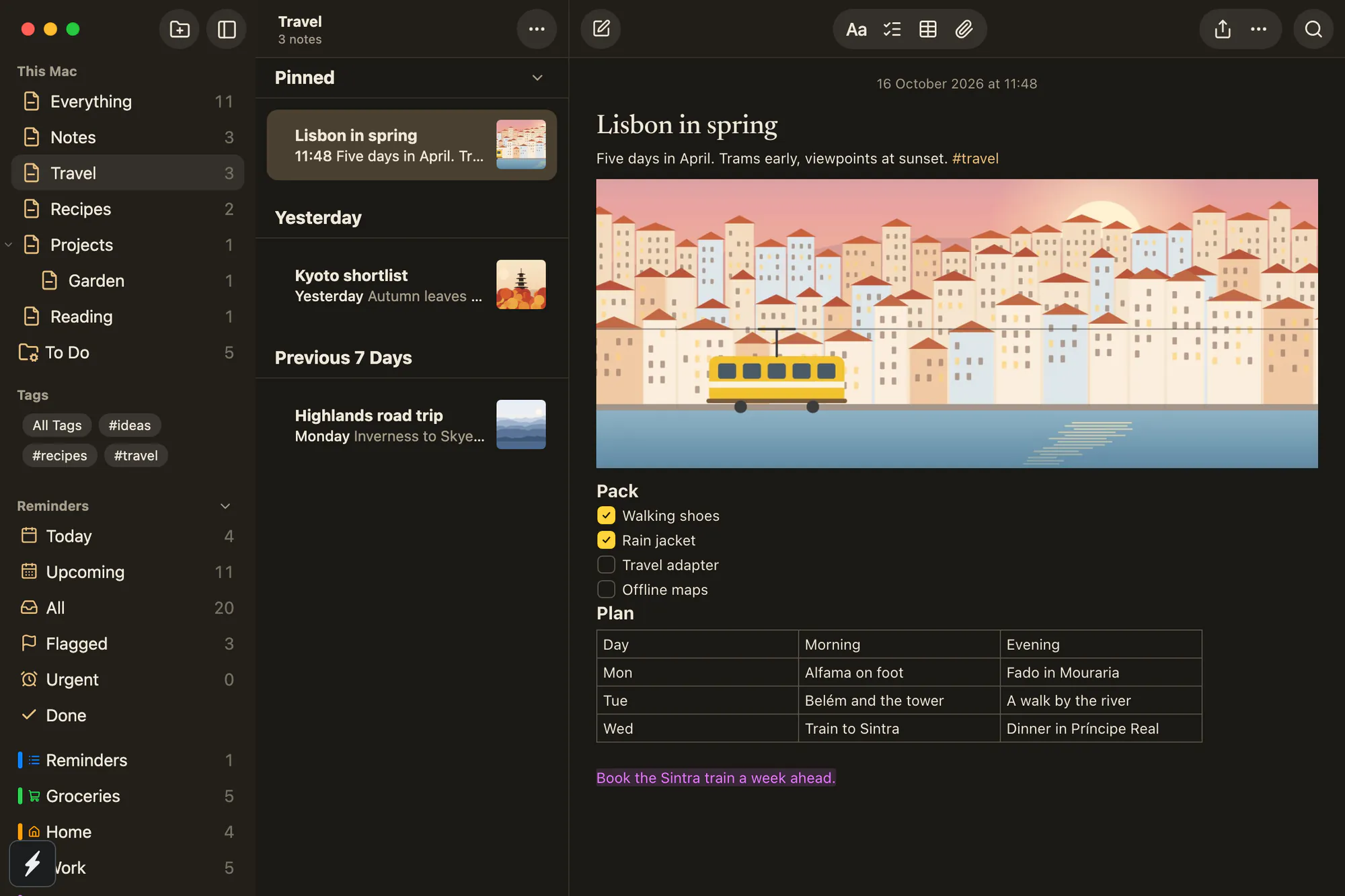
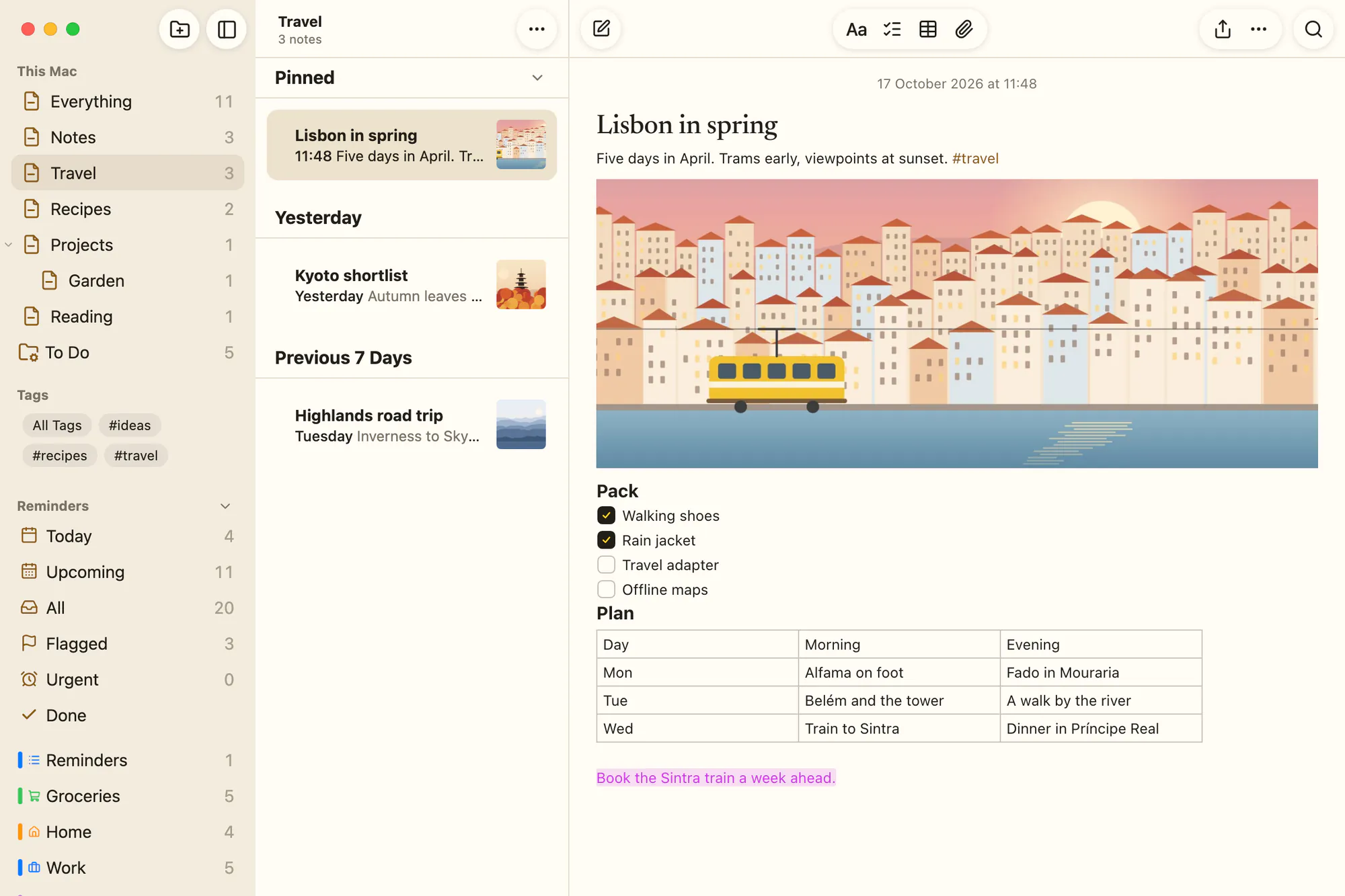
Mac, in Notelet’s own Paper look
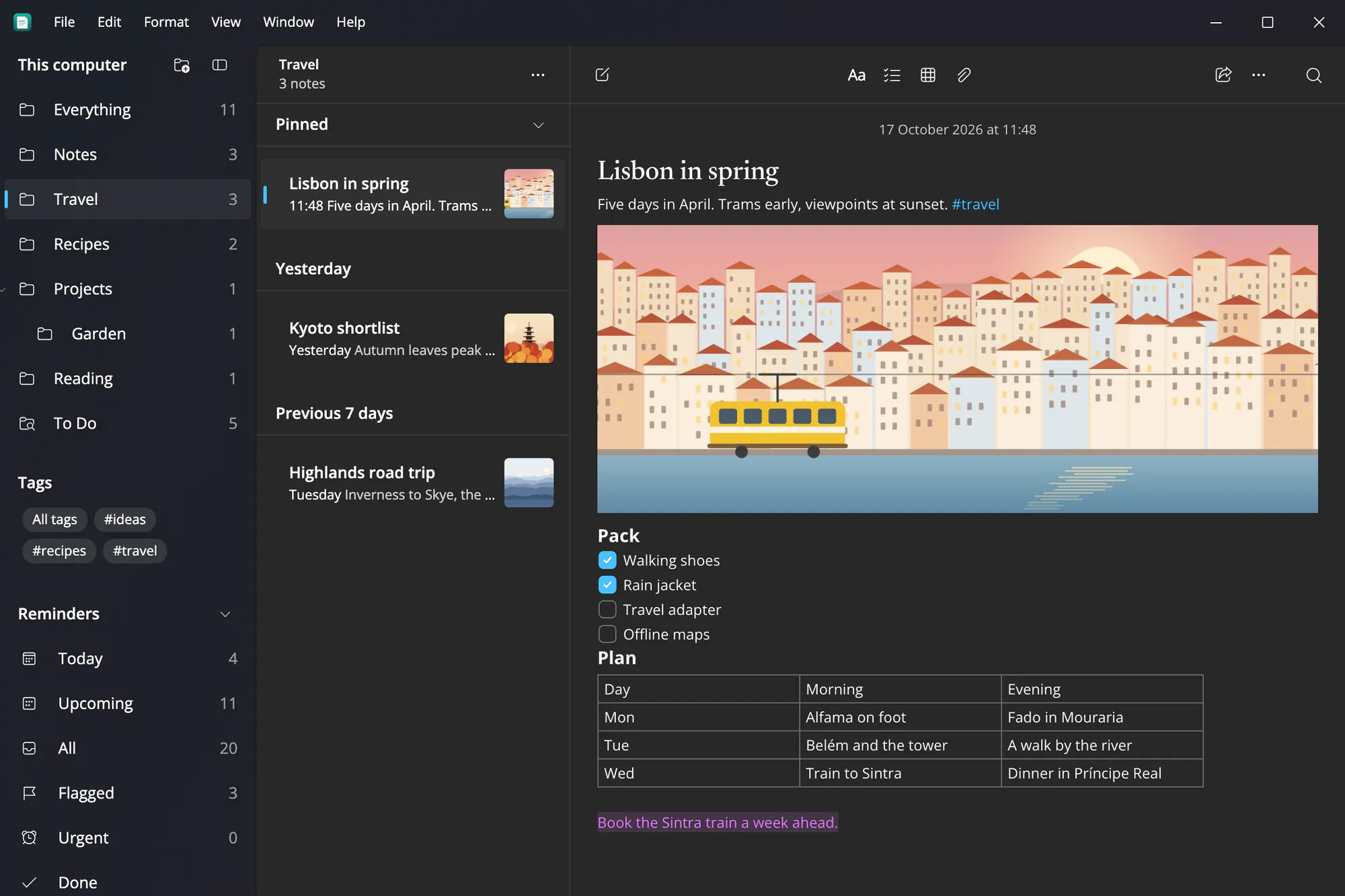
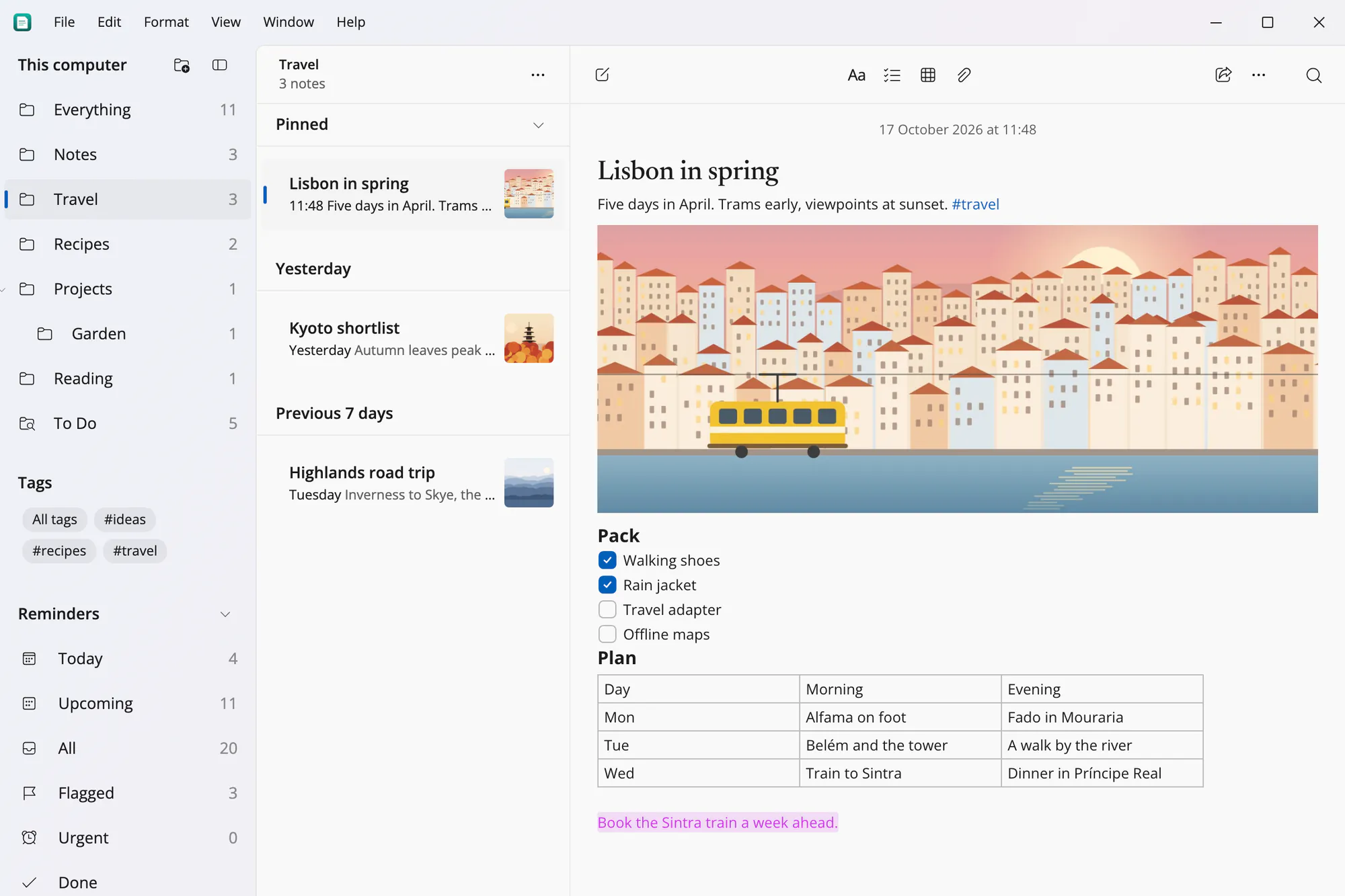
Windows 11, in Fluent
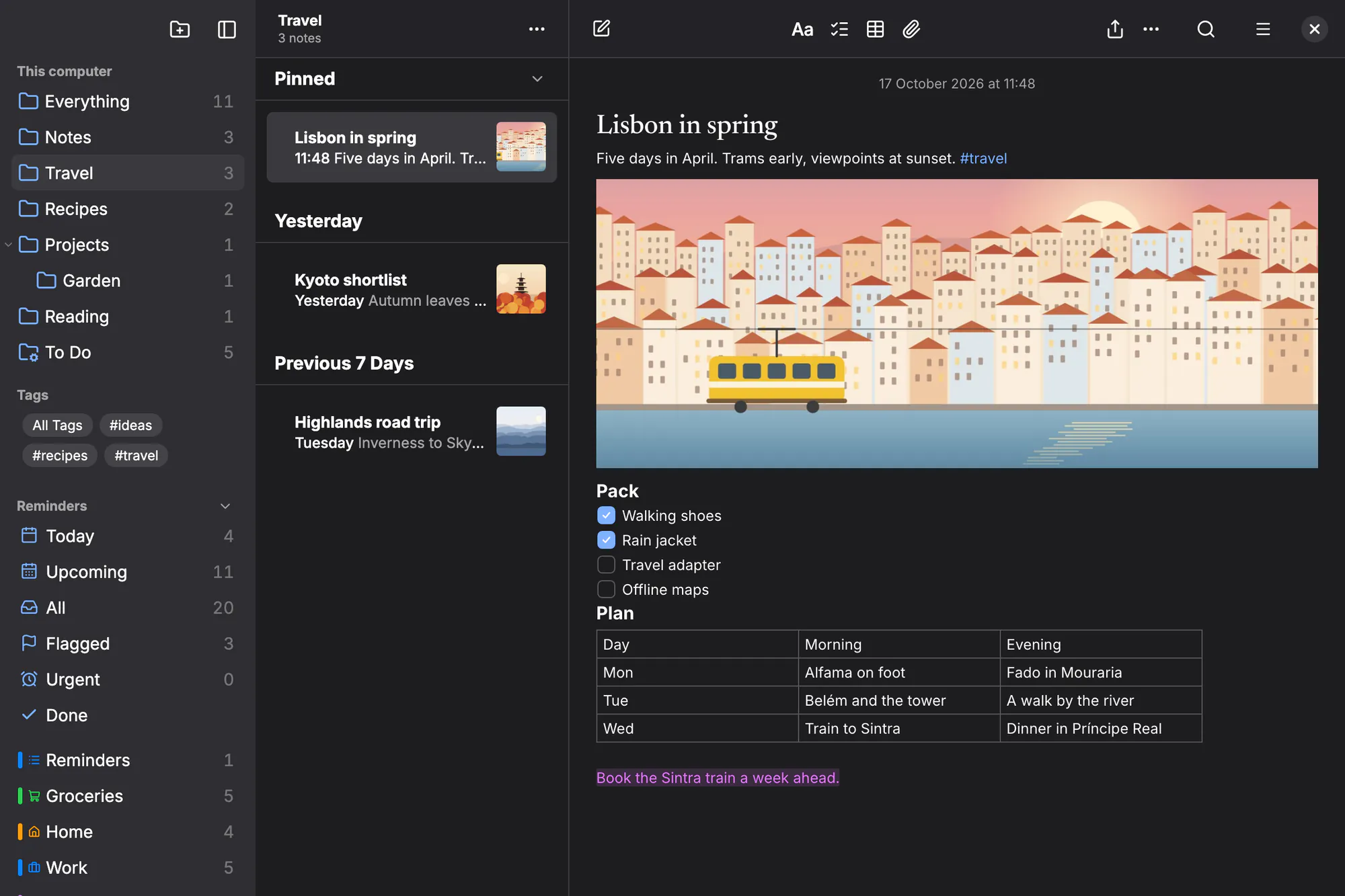
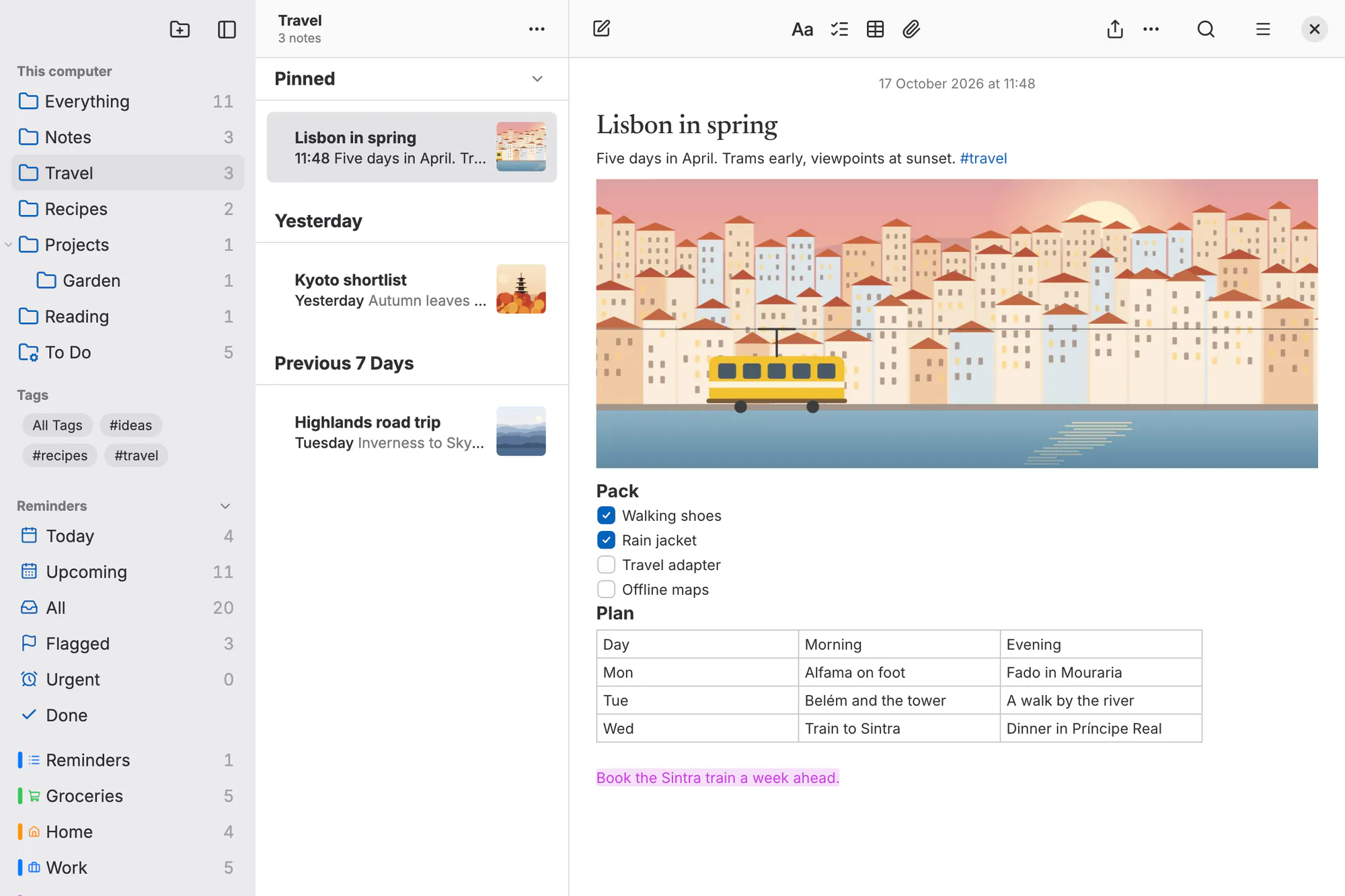
Linux, in GNOME’s Adwaita
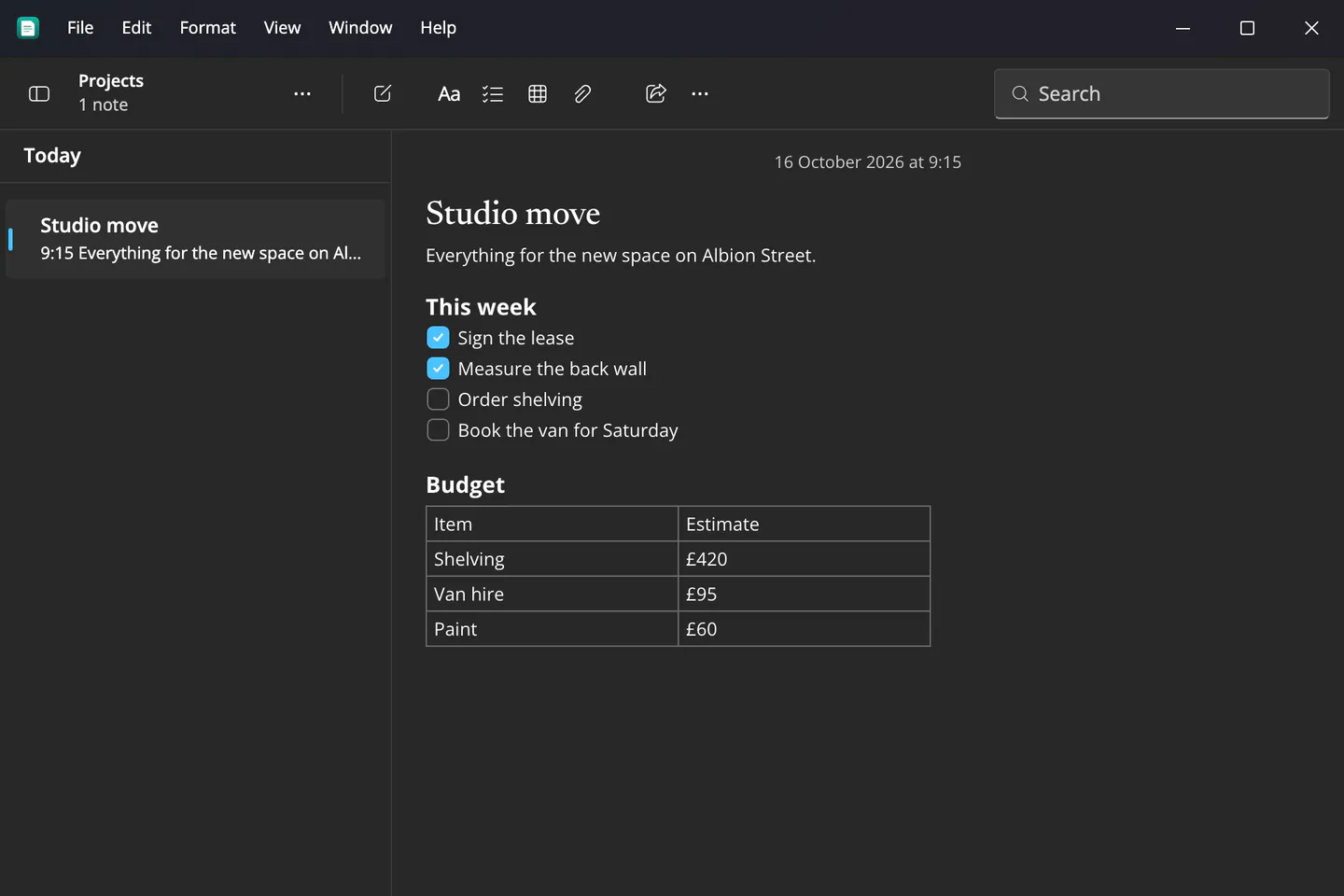
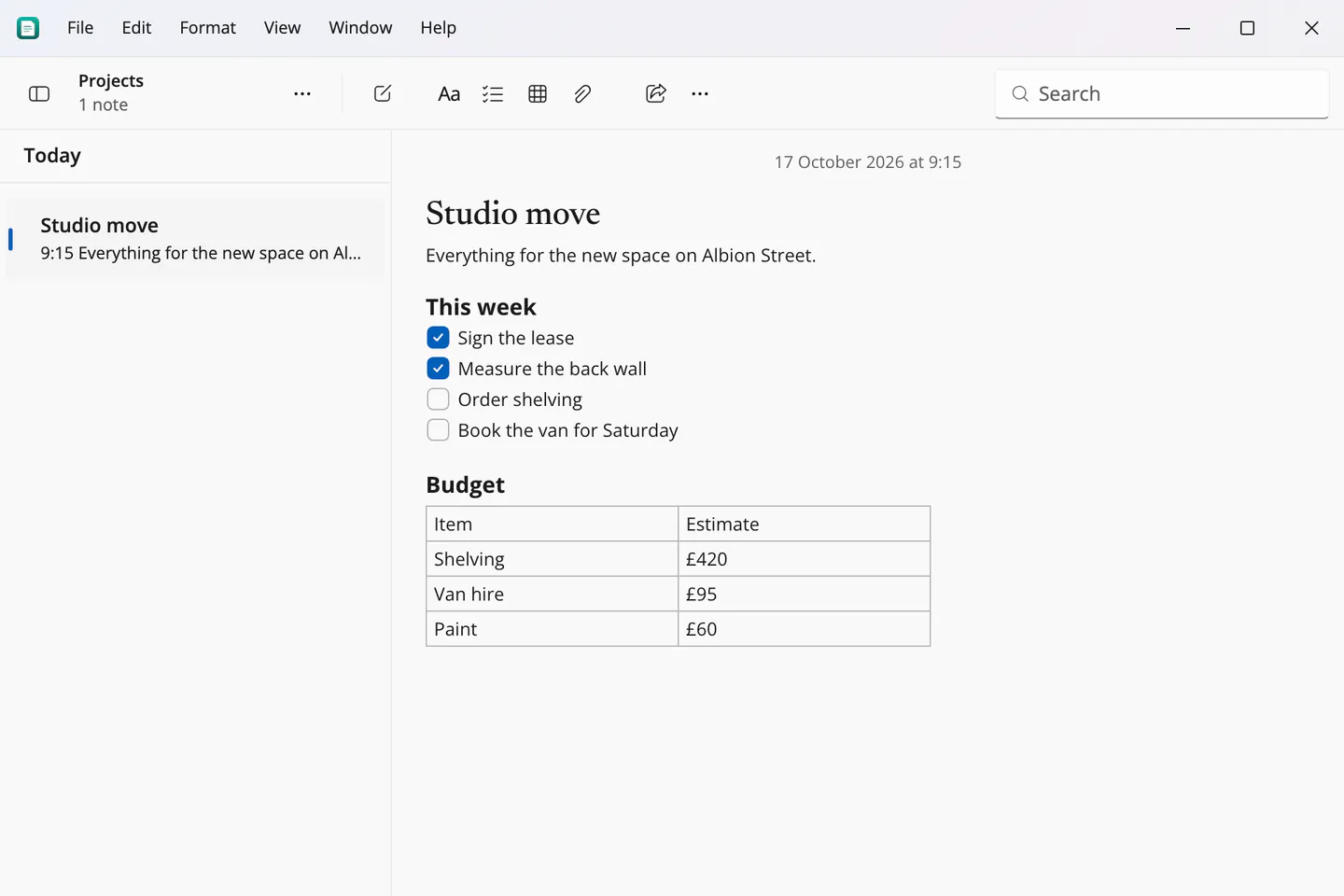
A note with a checklist and a table, on Windows
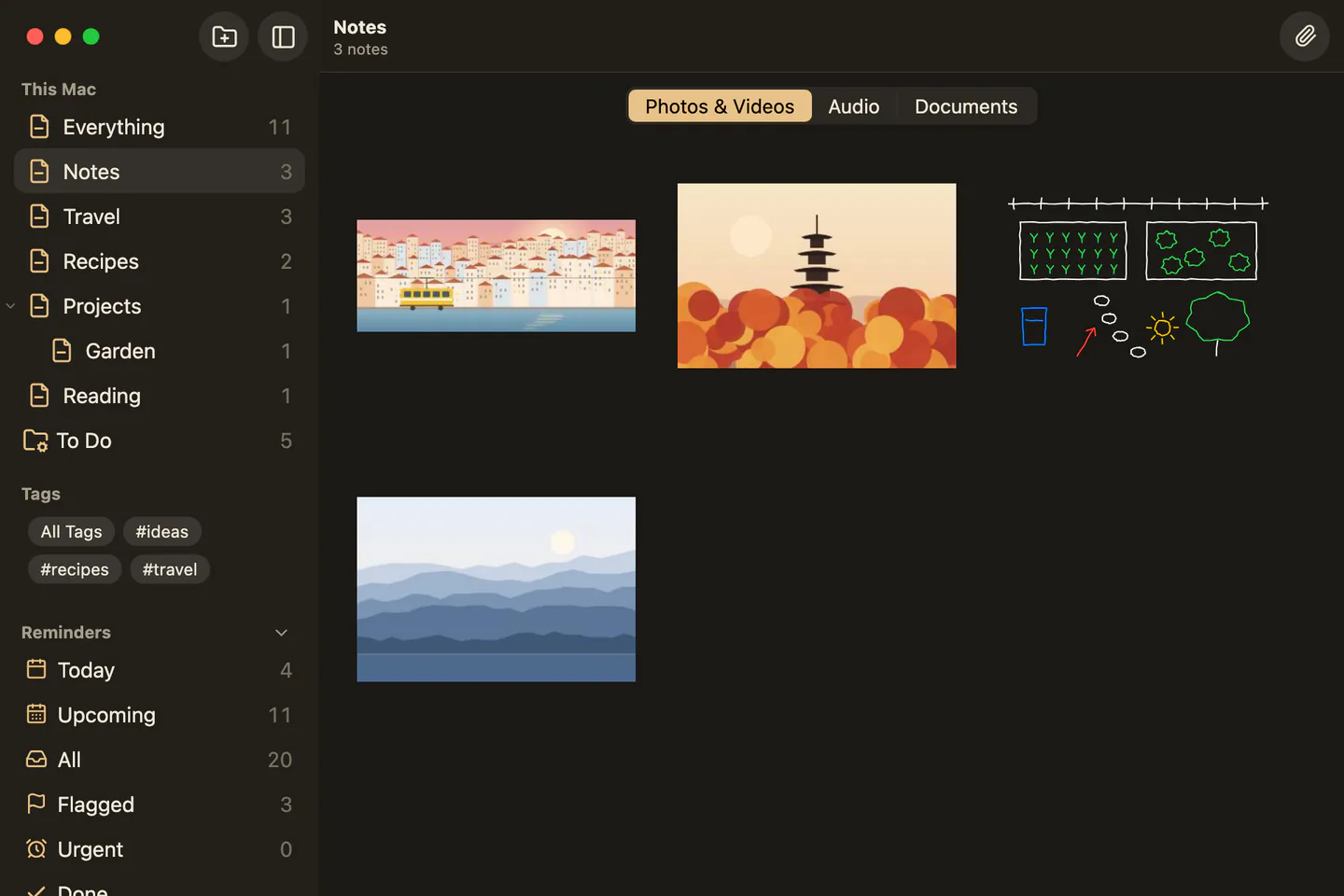
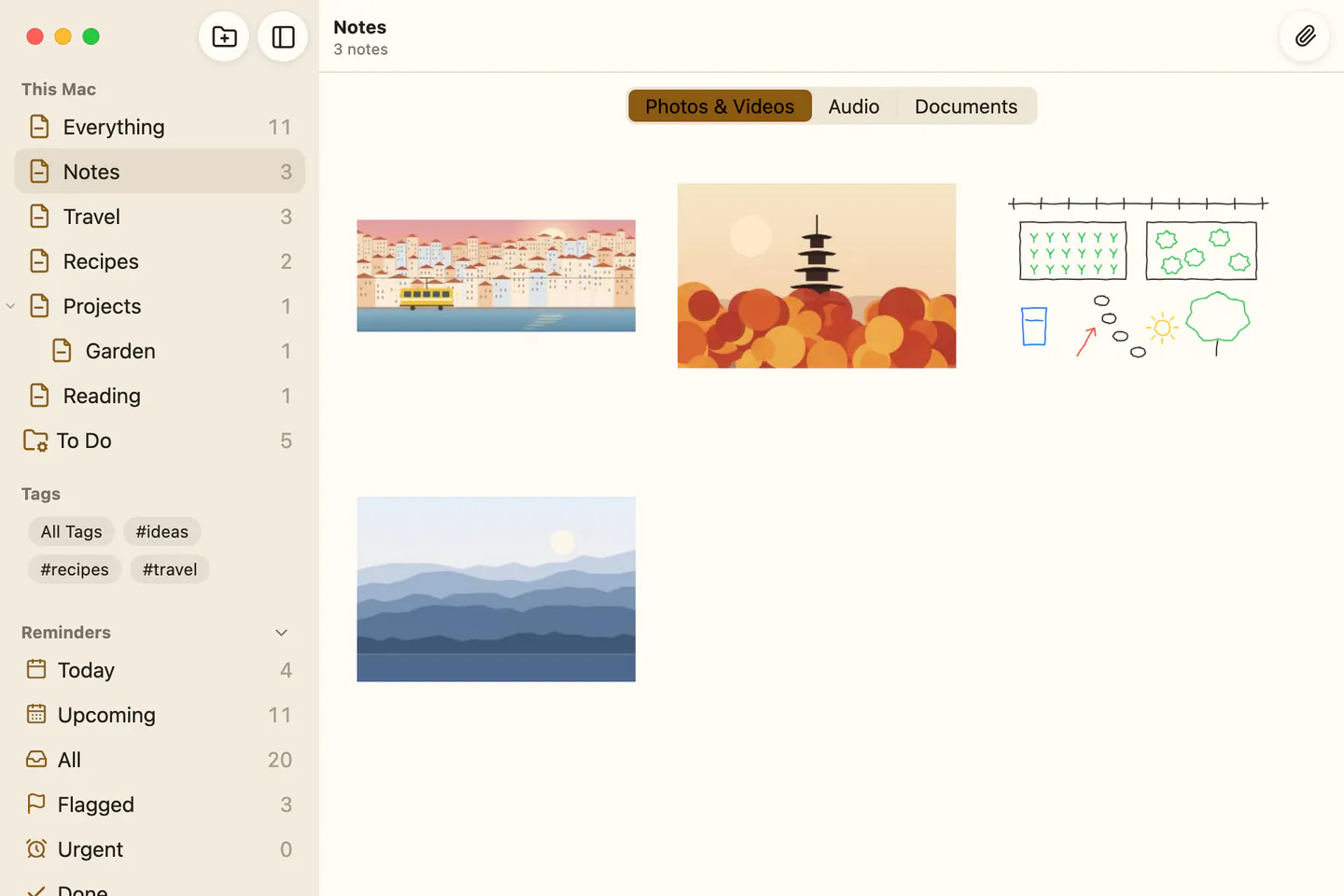
Every attachment in one place, on a Mac
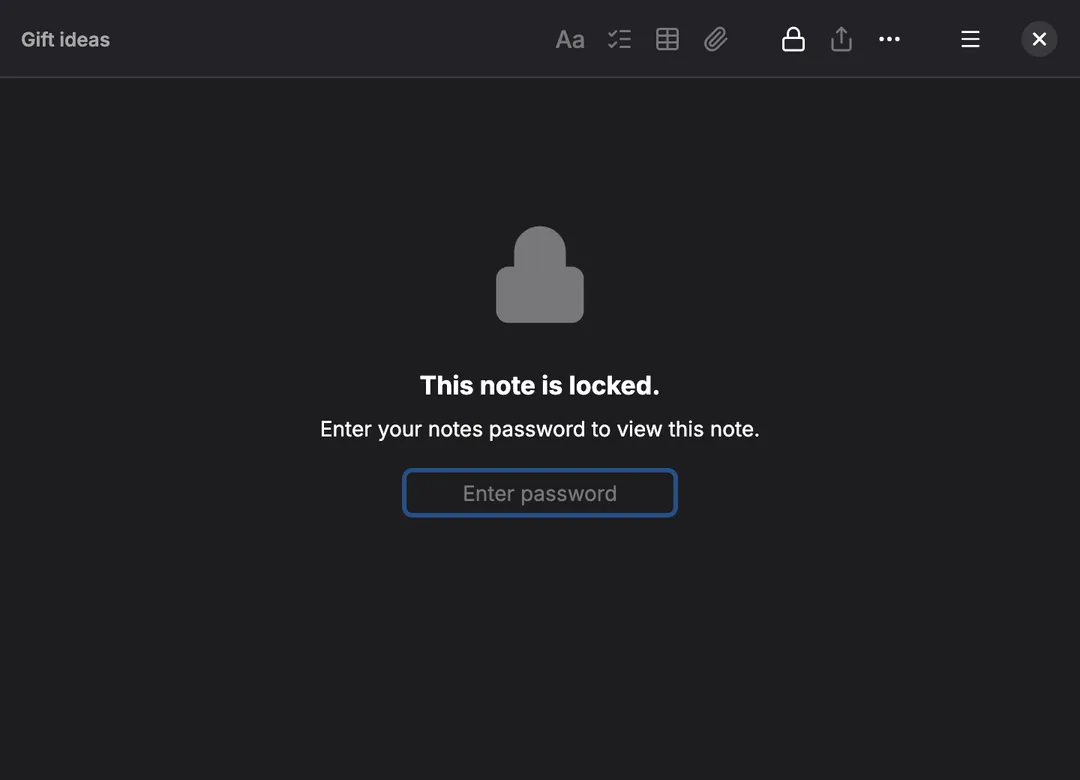
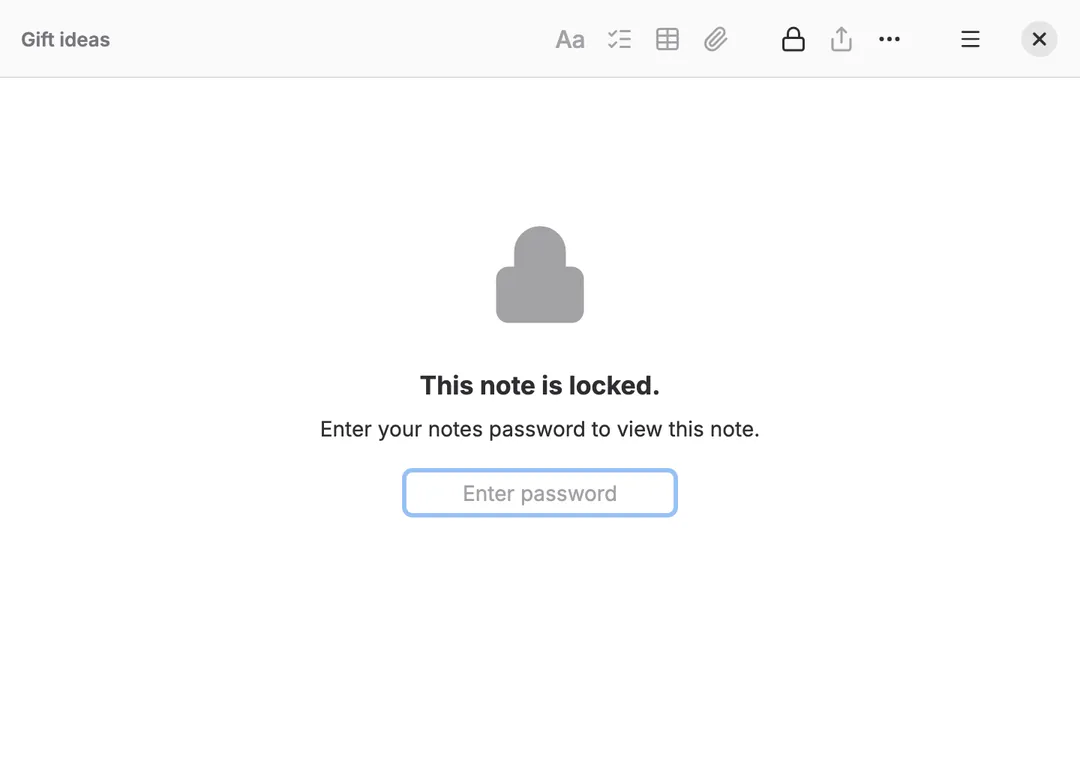
A locked note in its own window, on Linux
On a phone
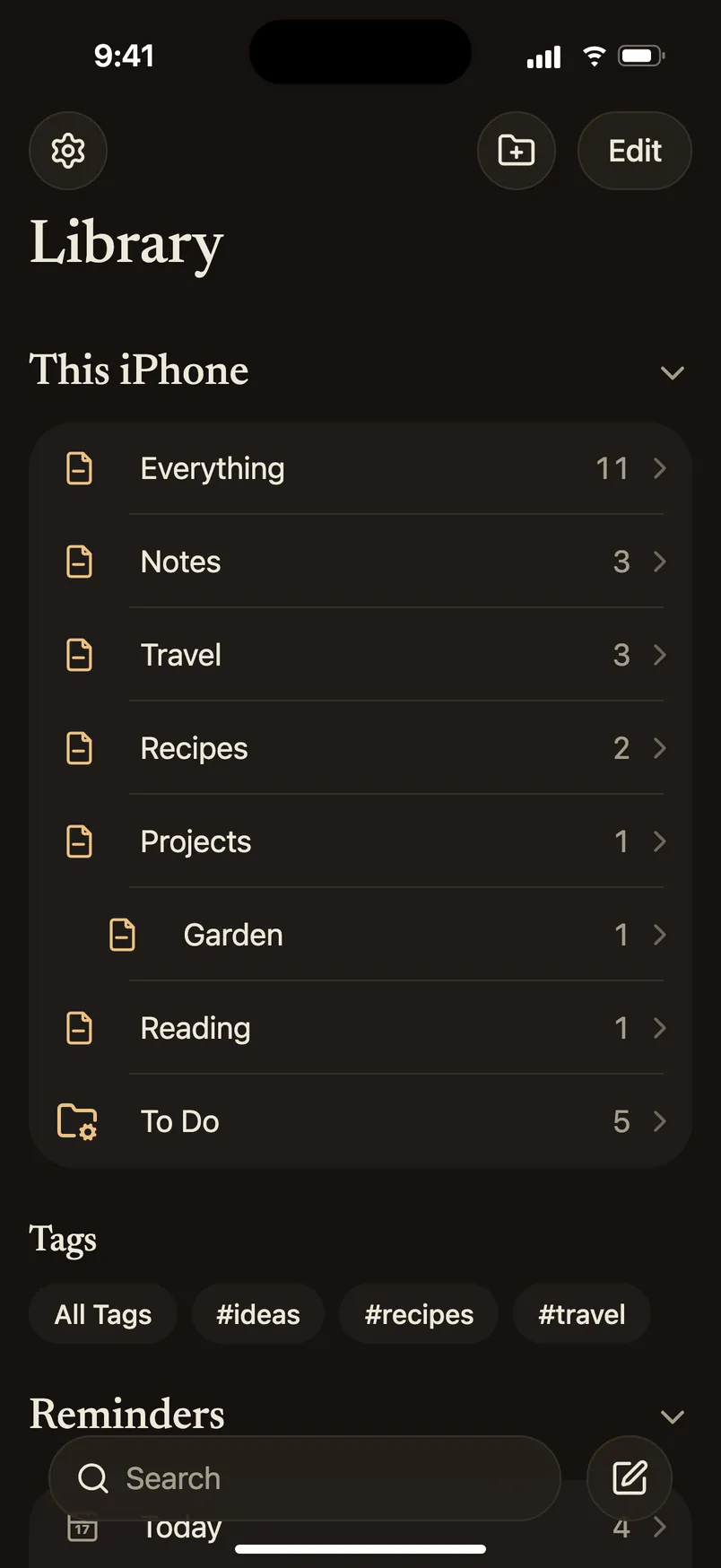
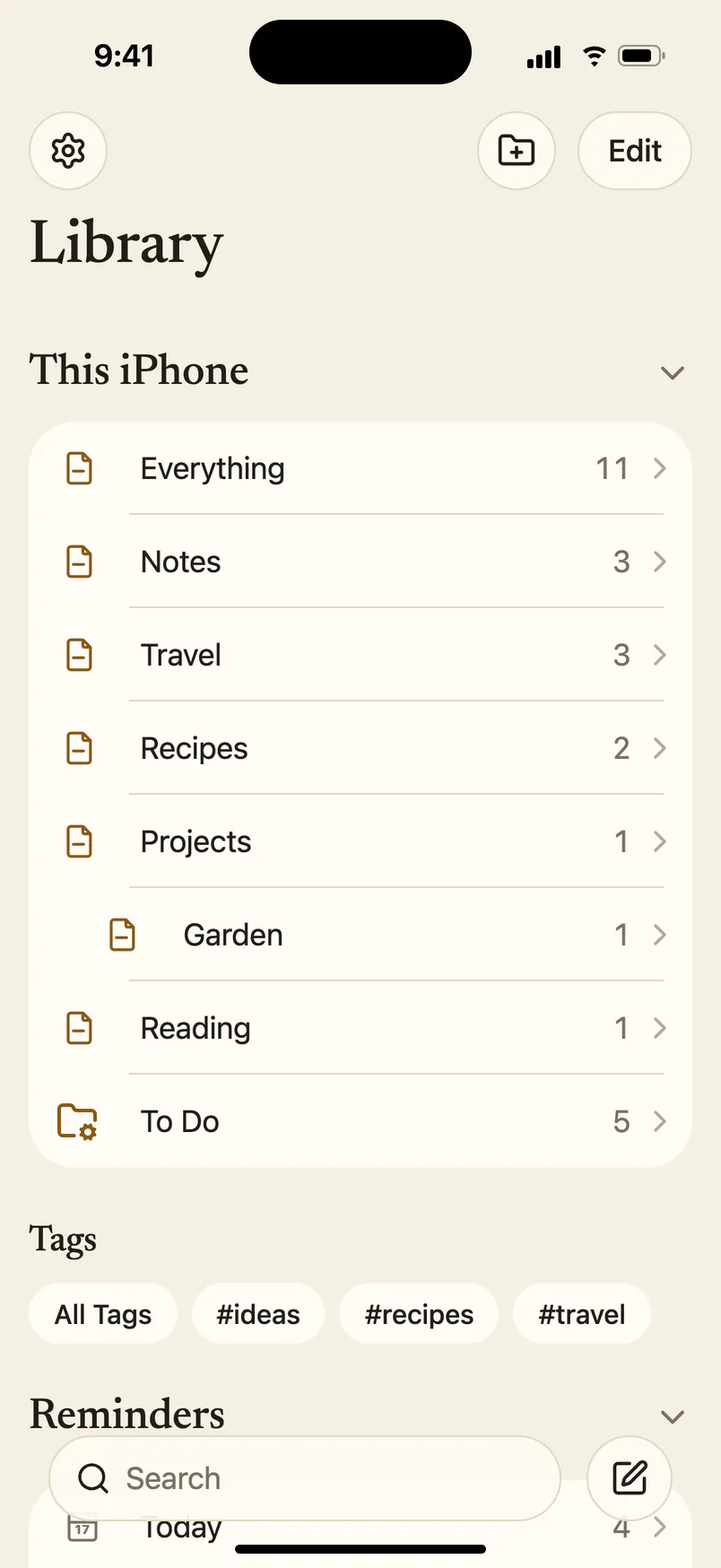
iPhone, folders
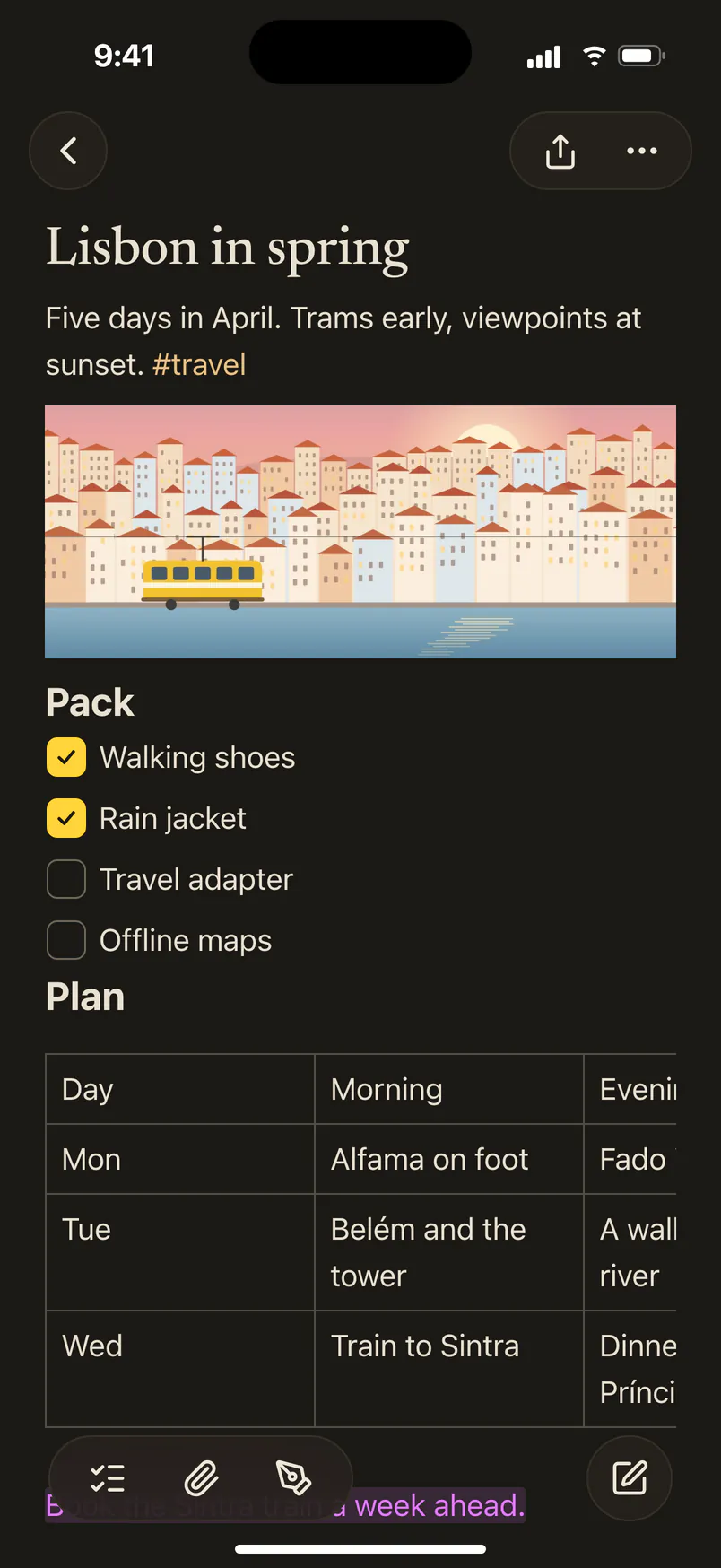
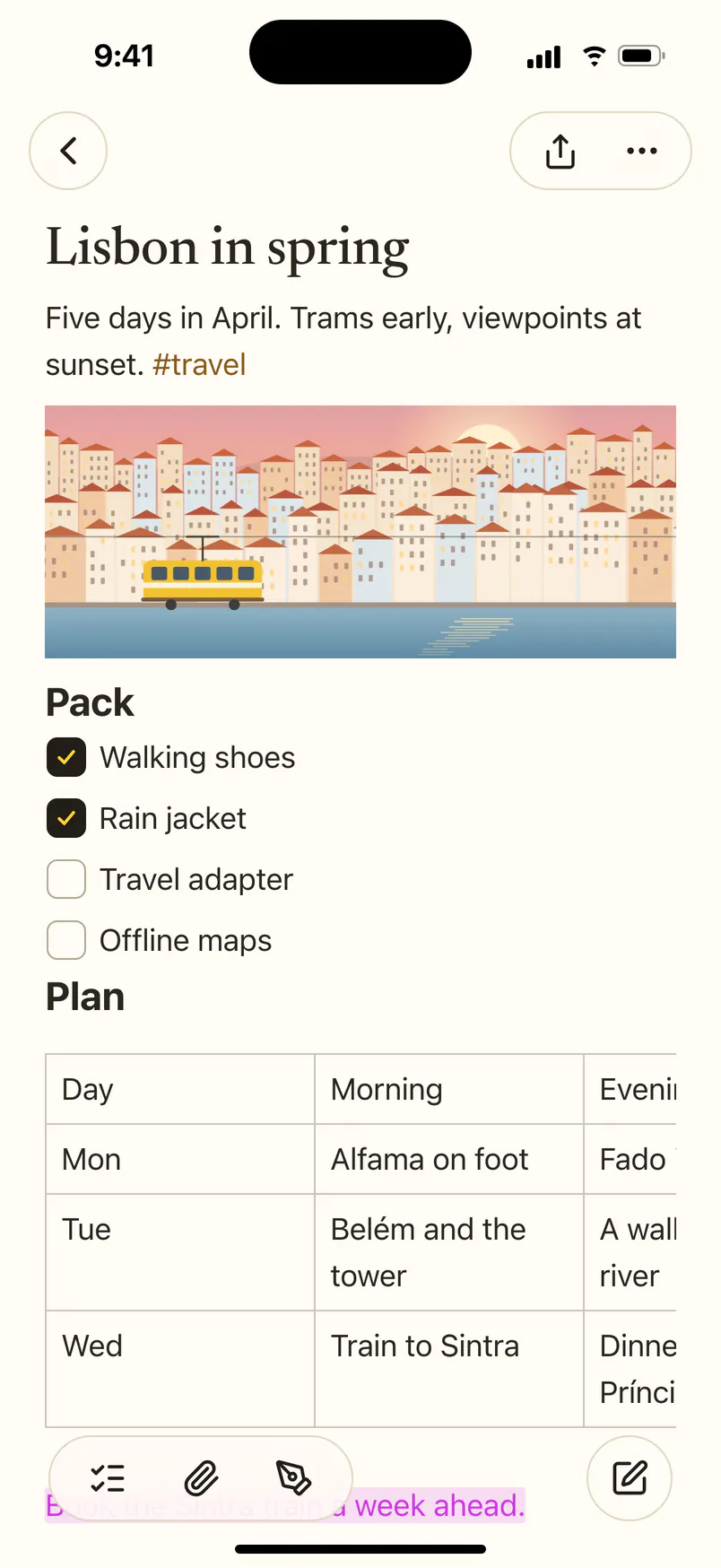
iPhone, a note
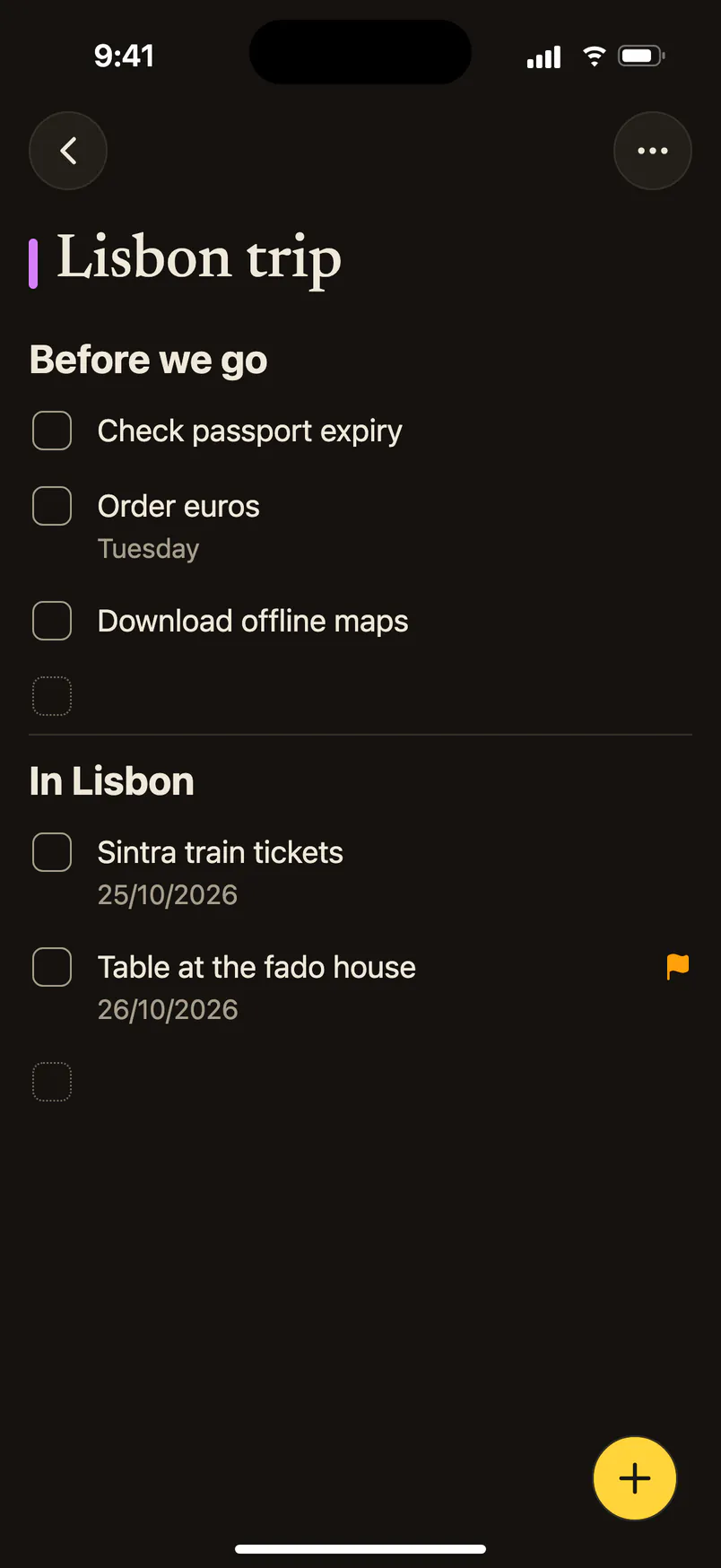
iPhone, a reminders list
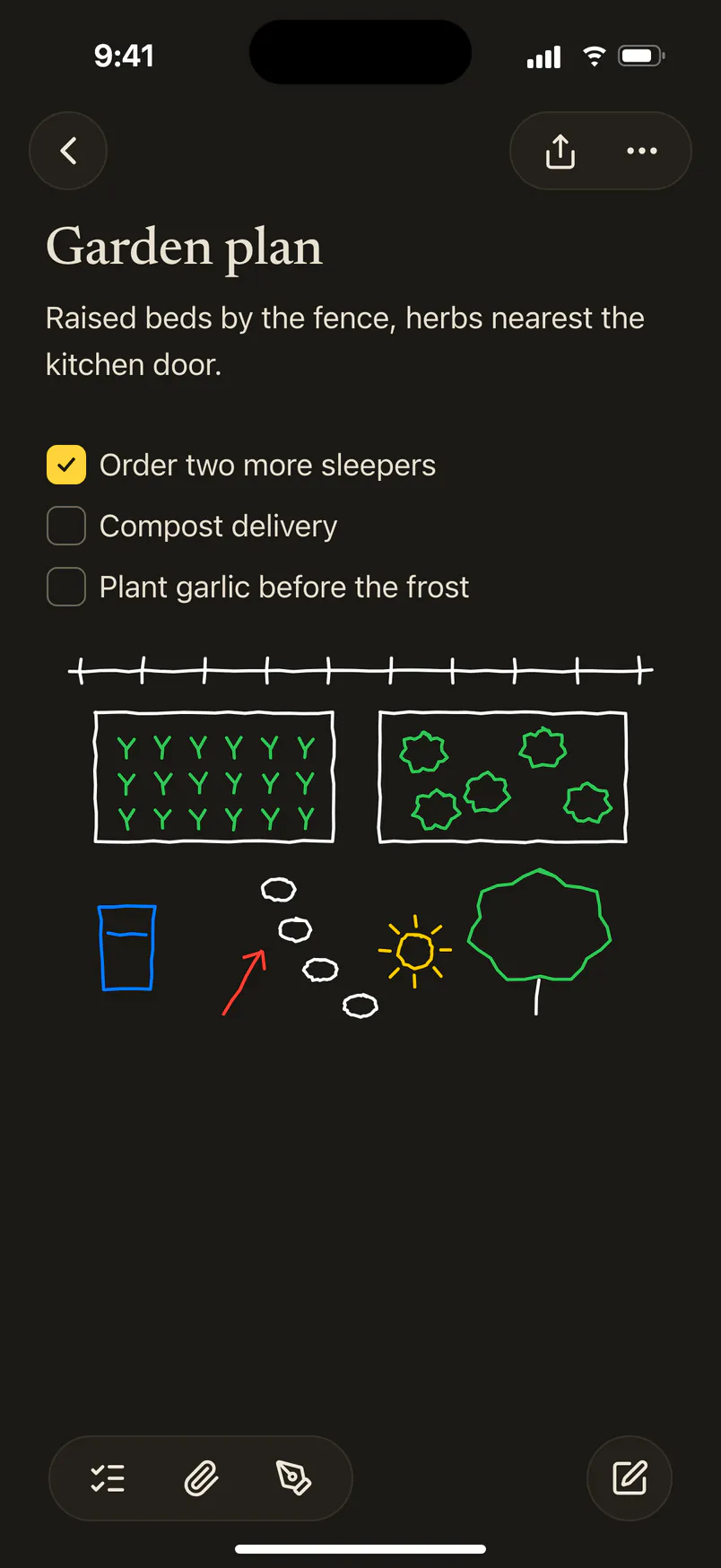
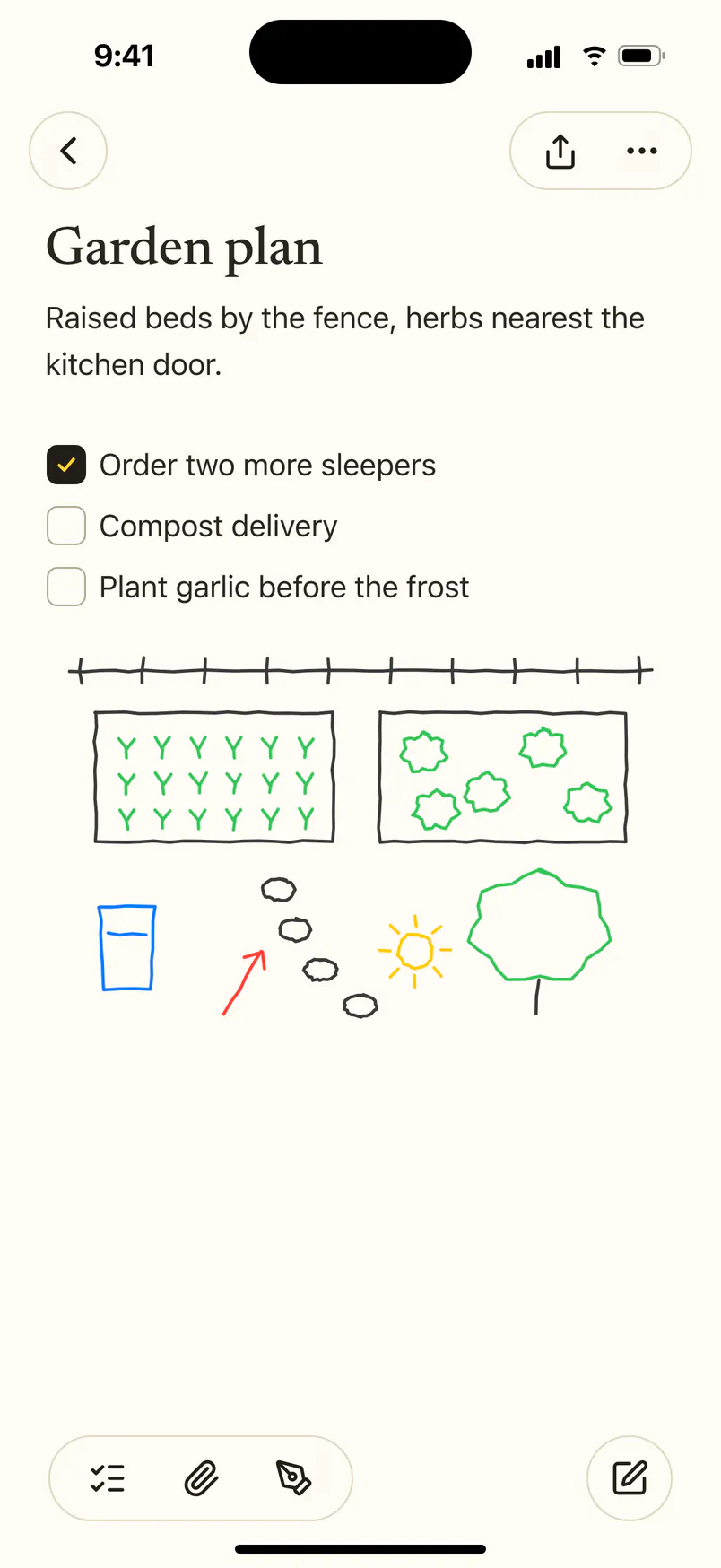
iPhone, a sketch in a note
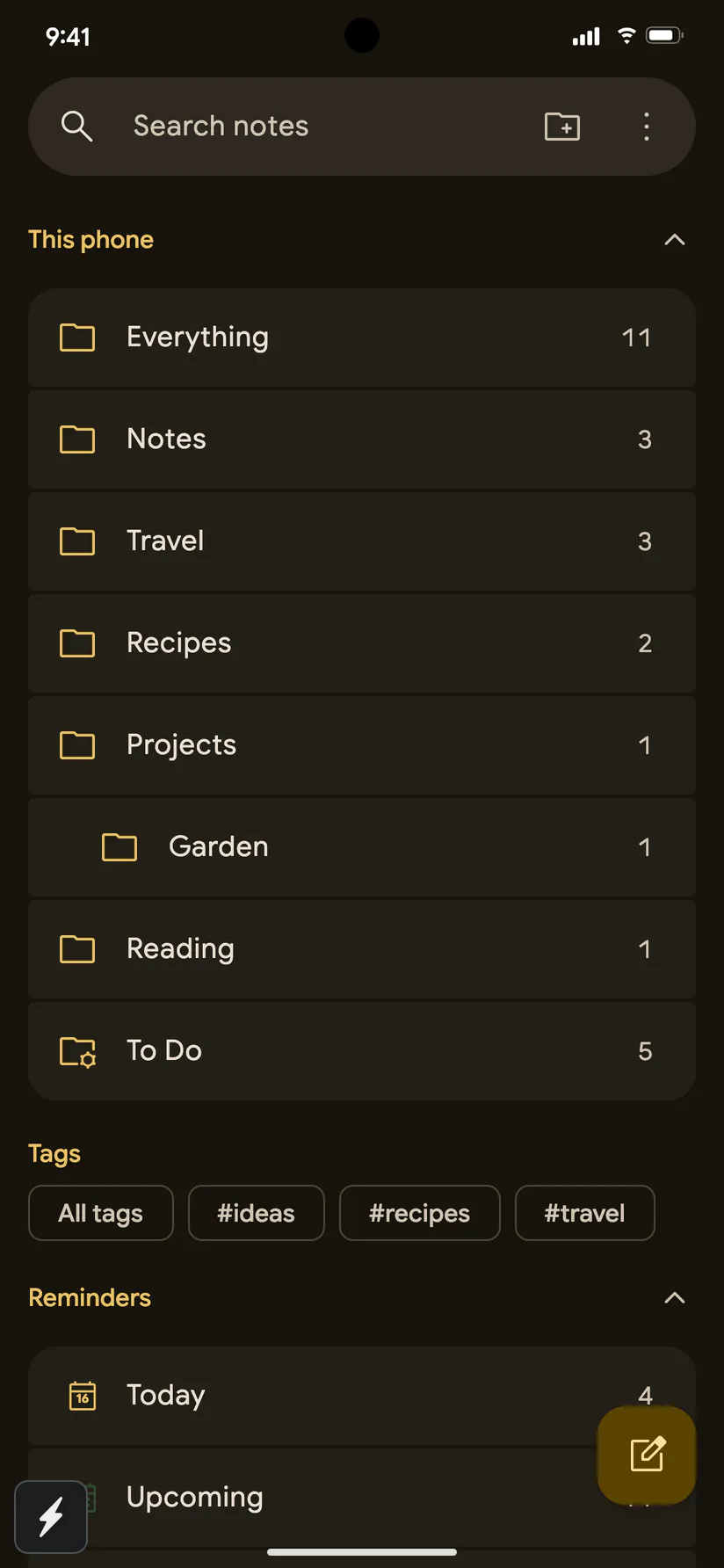
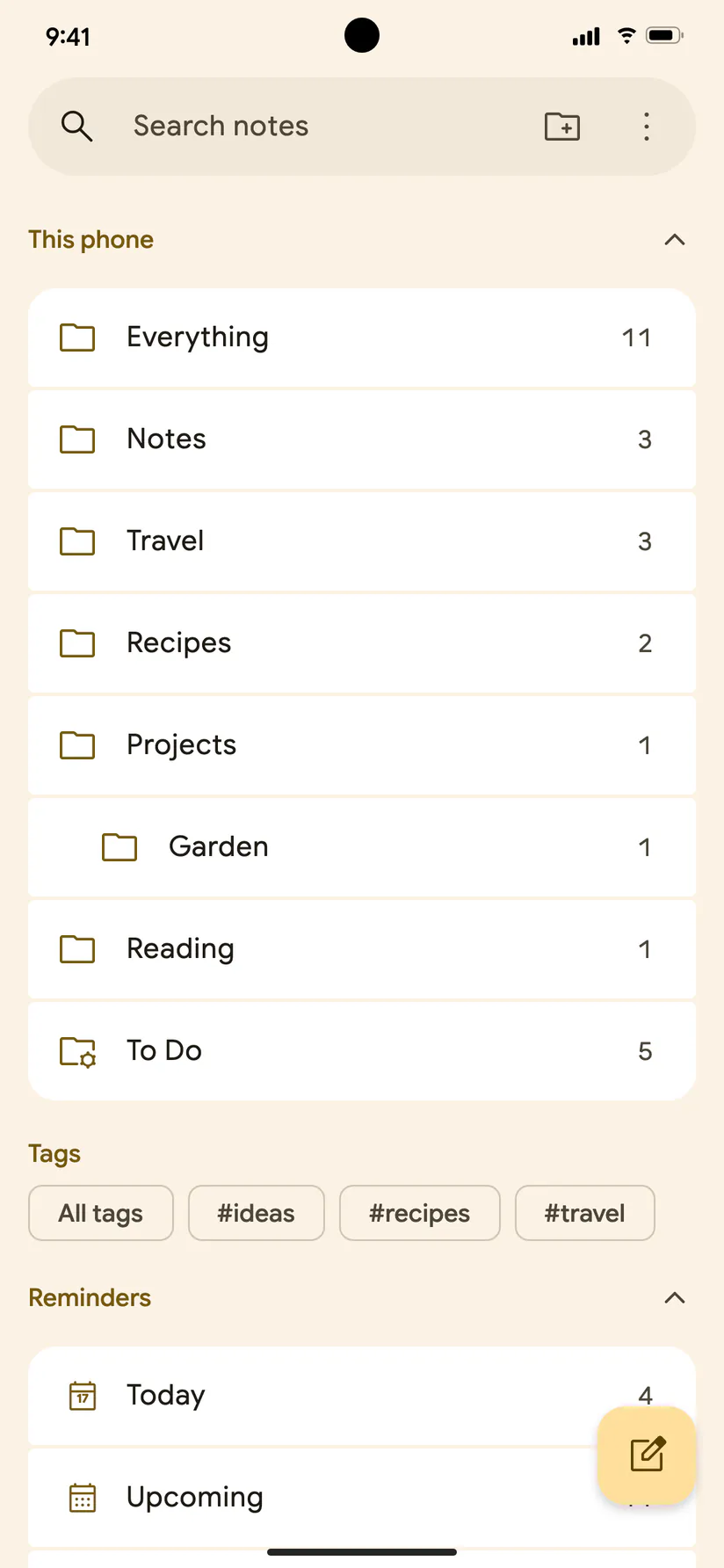
Android, folders
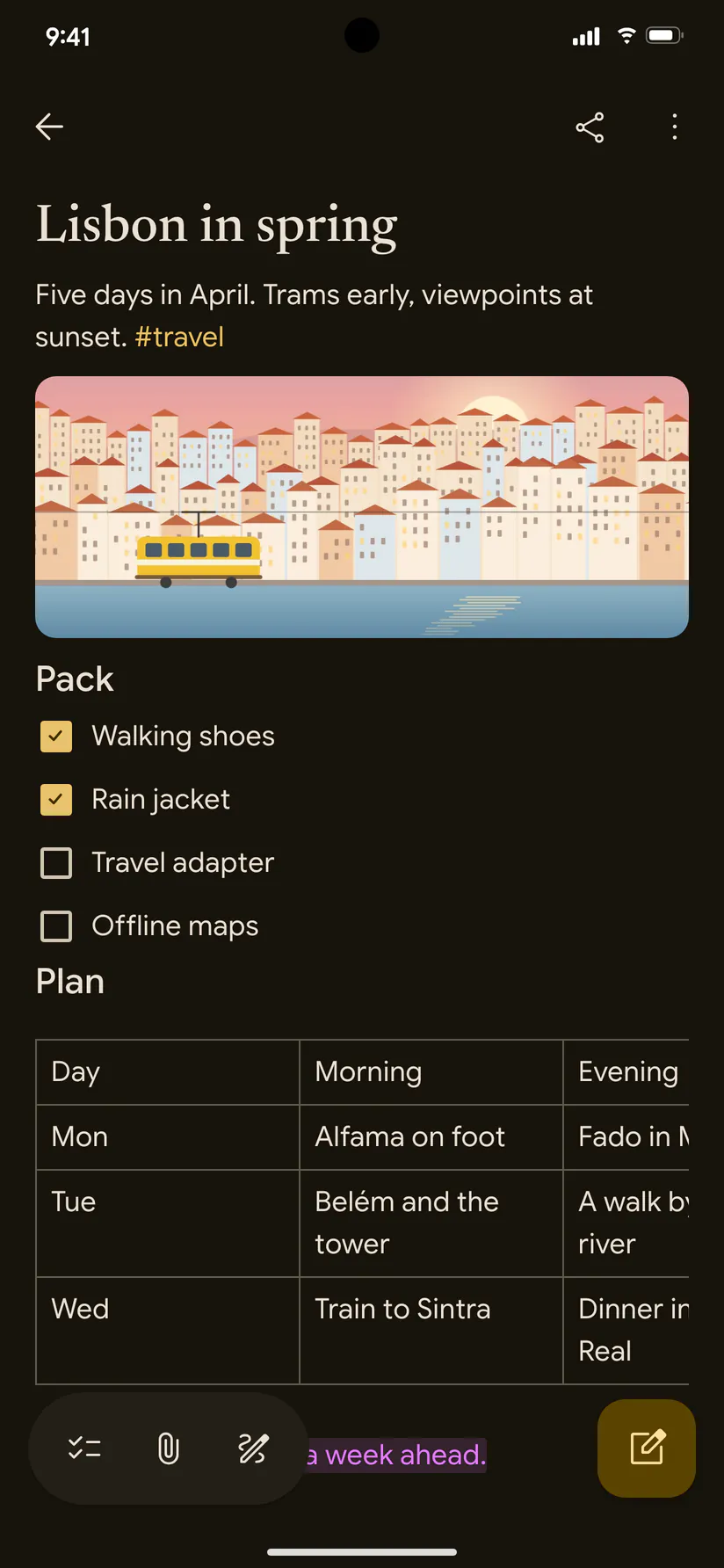
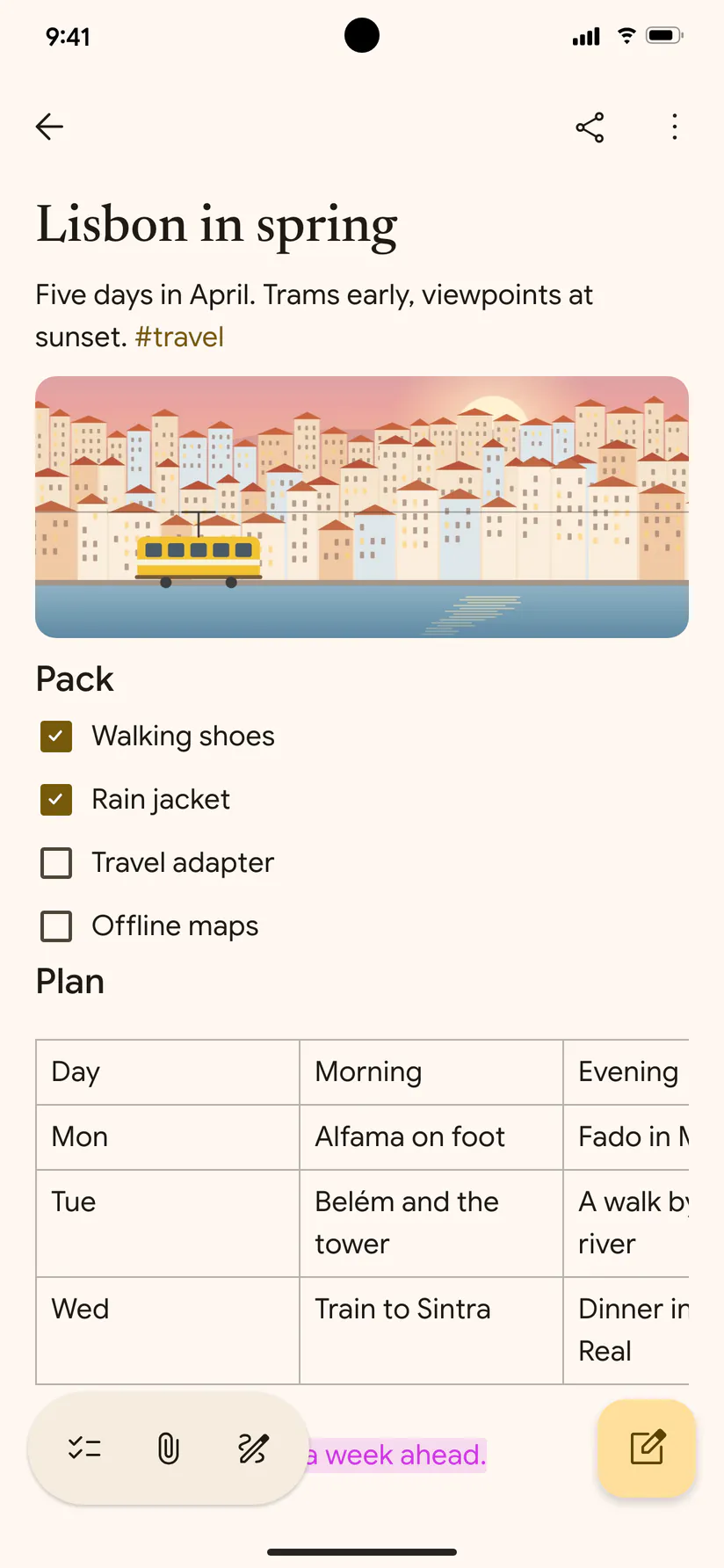
Android, a note
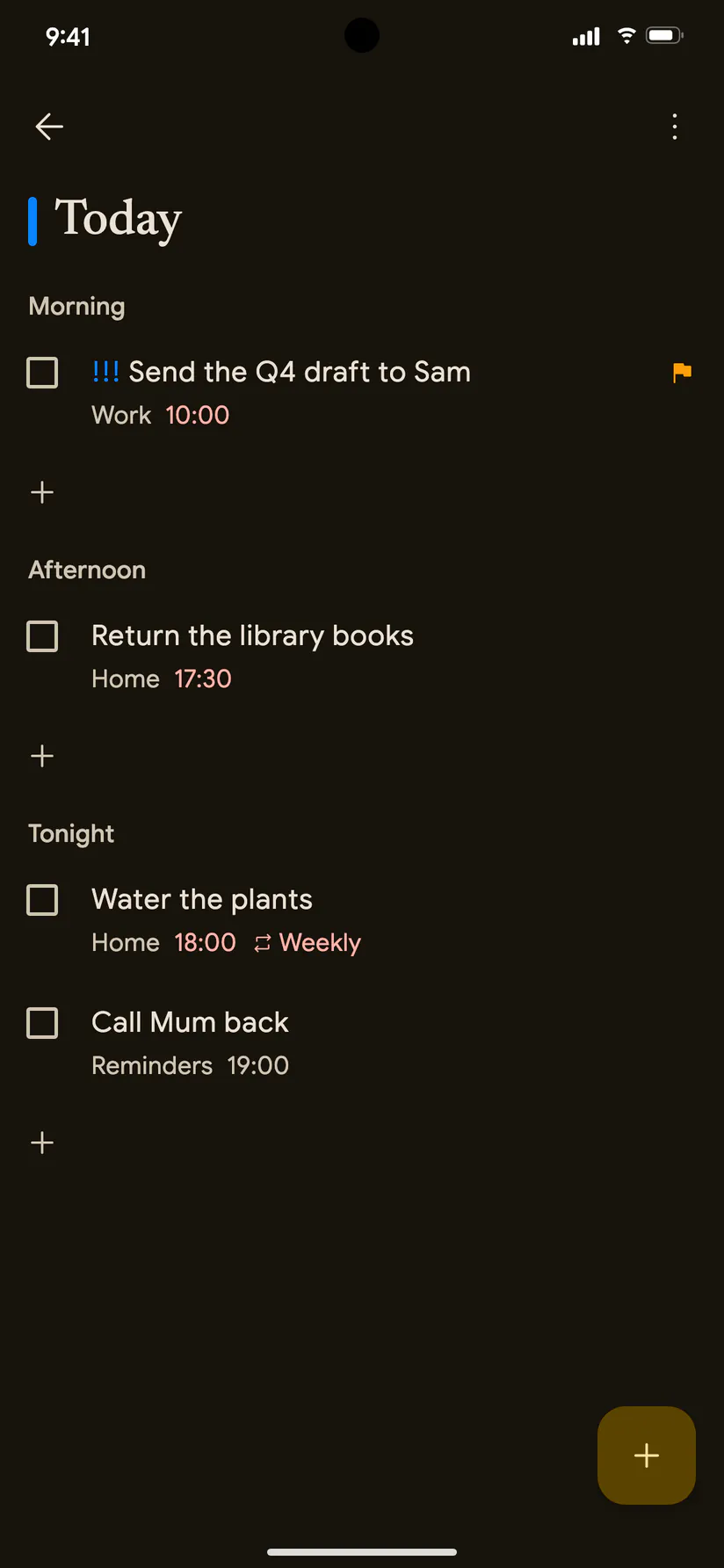
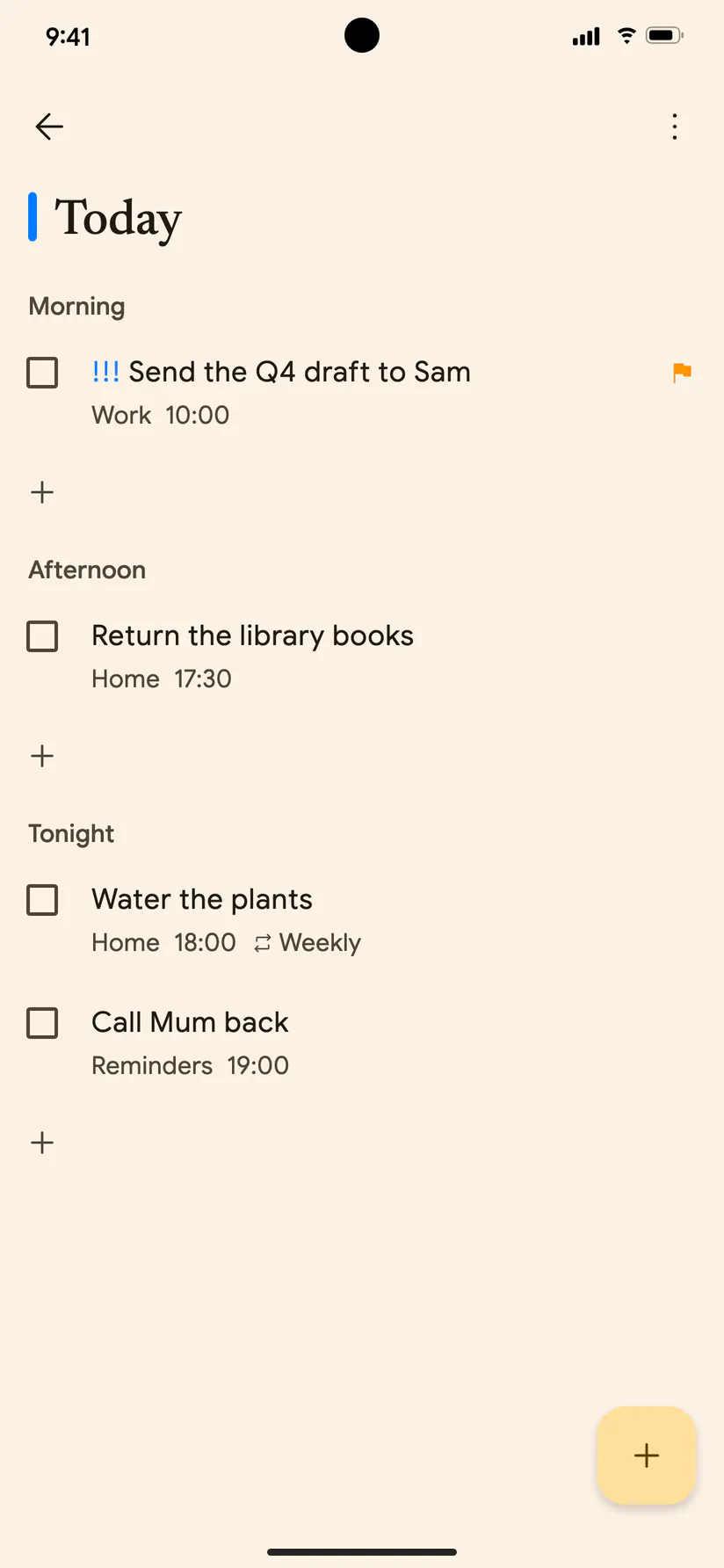
Android, Today’s reminders
The icon
Please use it as it is, without changing its colours or its shape.
Questions
Write to hello@noteletapp.com with a question, for an interview, or for screenshots of something not shown here.