Write it down once. Find it everywhere.
- On your iPhone or Android phone
- On your Mac, Windows or Linux computer
- Download Notelet
A notes app for your phone and your computer: notes, lists and reminders that stay in step on every one of them.
Free · Version 0.10 · Public beta
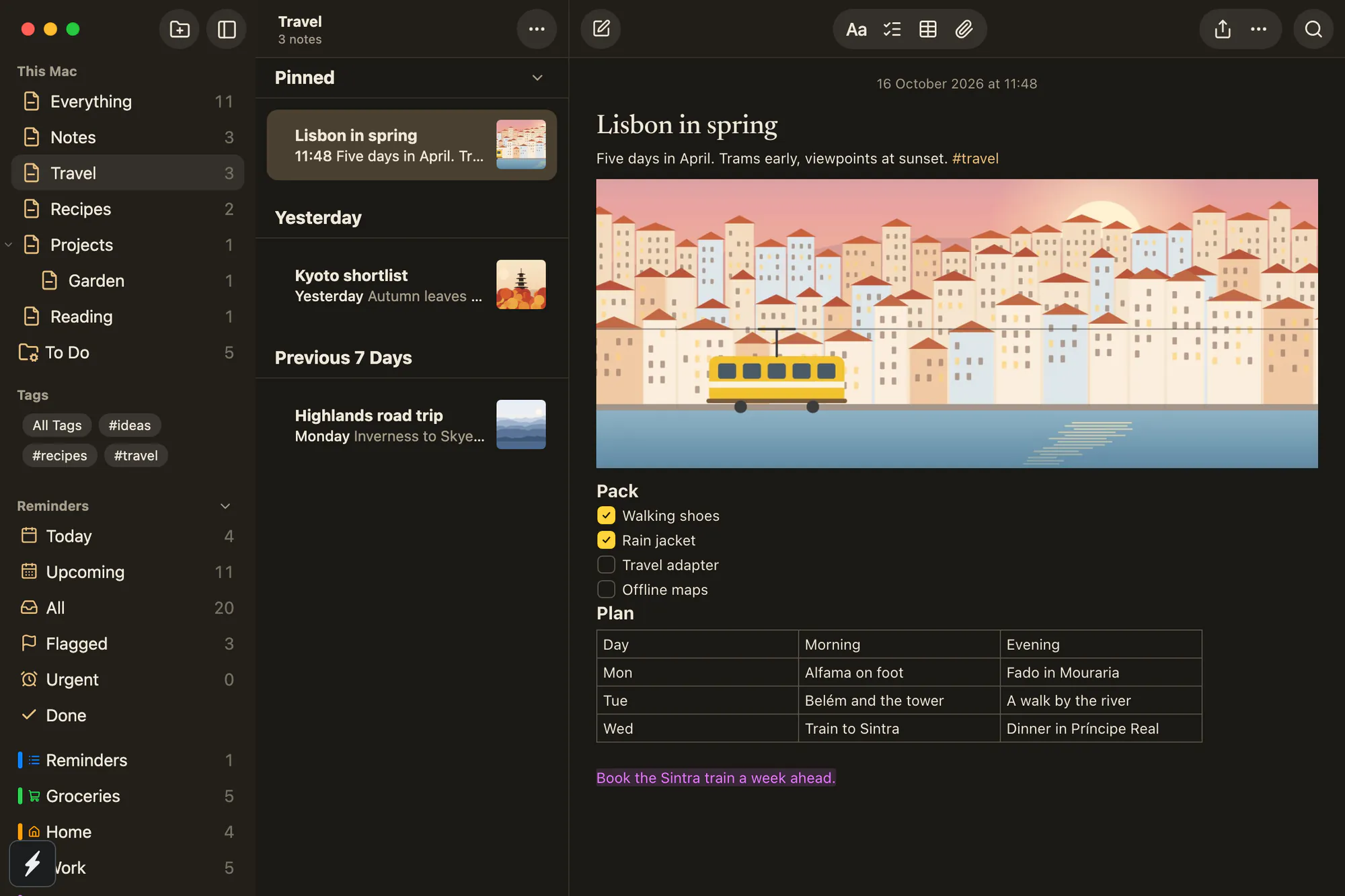
Most notes apps belong to one company’s devices. Notelet works on all of them, so an iPhone and a Windows laptop, or an Android phone and a Mac, share the same notes.
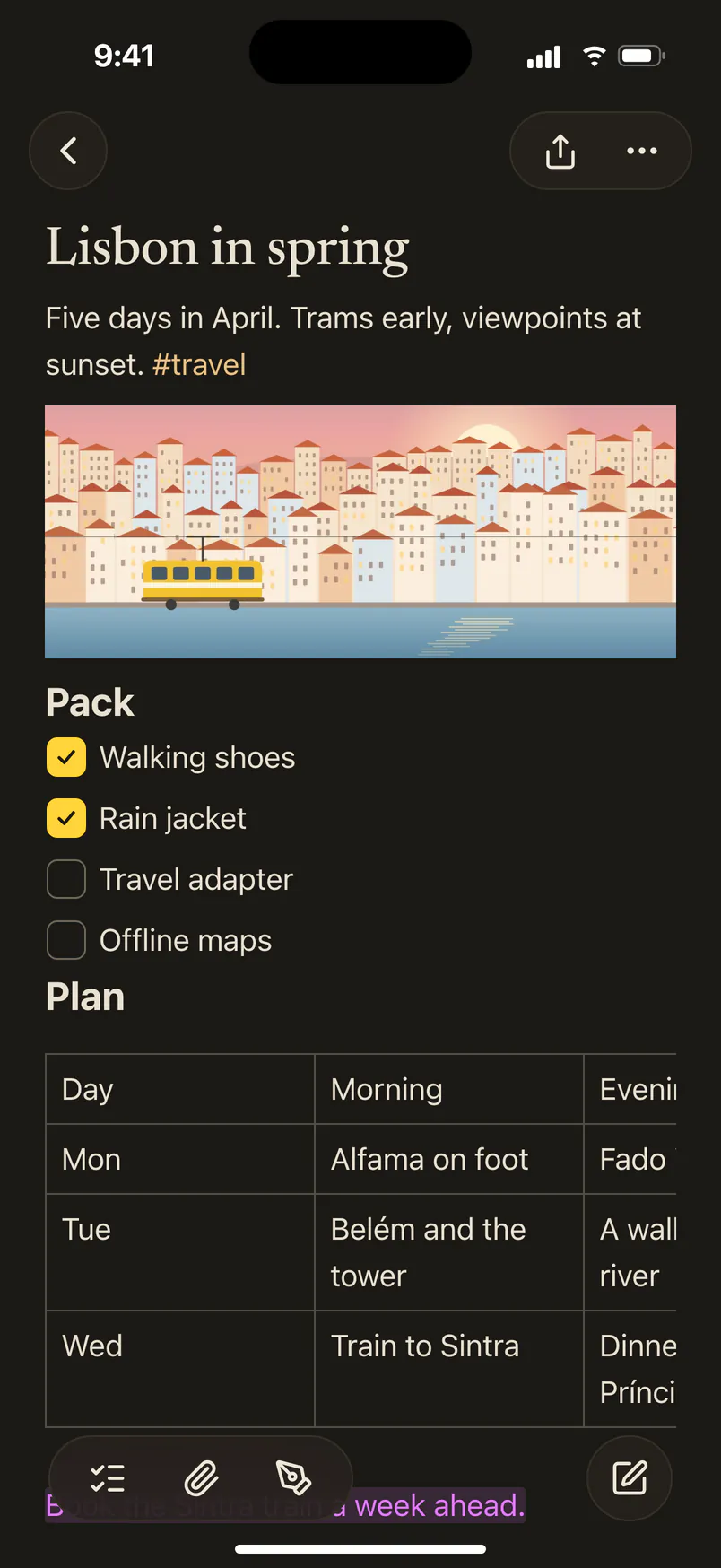
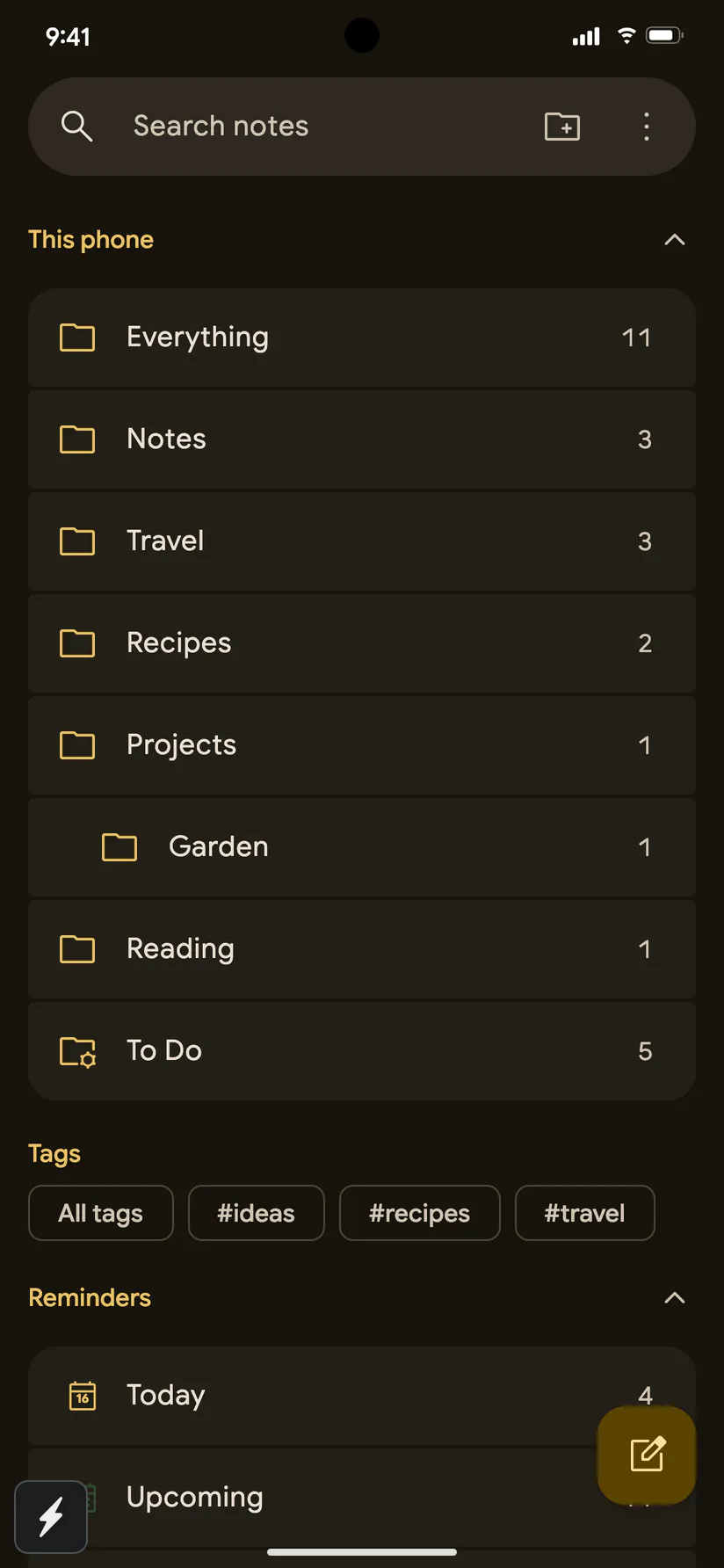
On an iPhone, Notelet looks and works like an iPhone app; on Windows, like a Windows app. Nothing new to learn on any of them. See all five looks
Shopping lists, trip plans, recipes, the Wi‑Fi password, the name of that film. Notelet keeps it all tidy and close at hand.
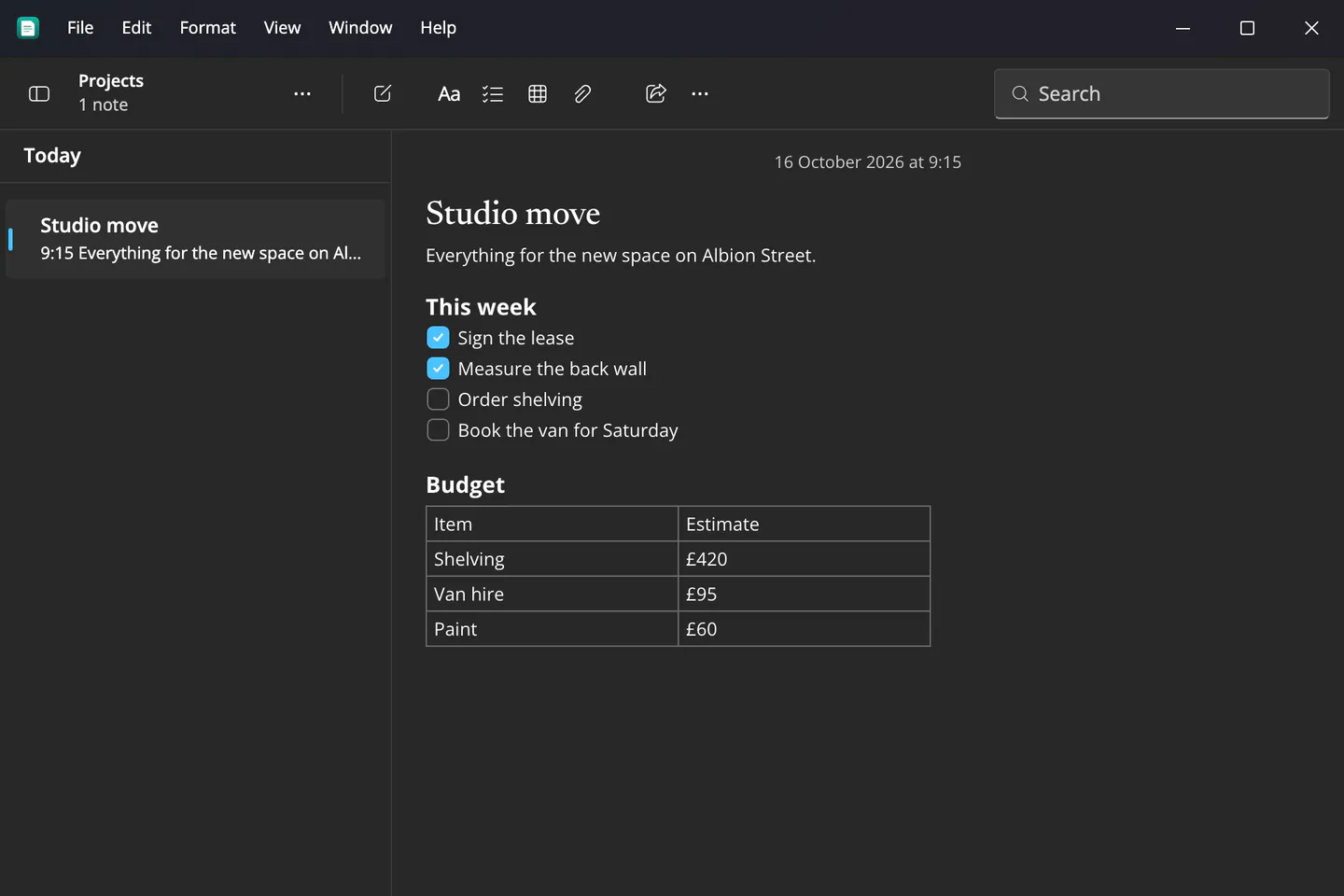
Tick things off a checklist, lay out a table, add headings and highlights. Need a quick sum? Type 1200 / 4 = and the answer appears.
#recipes and find them all together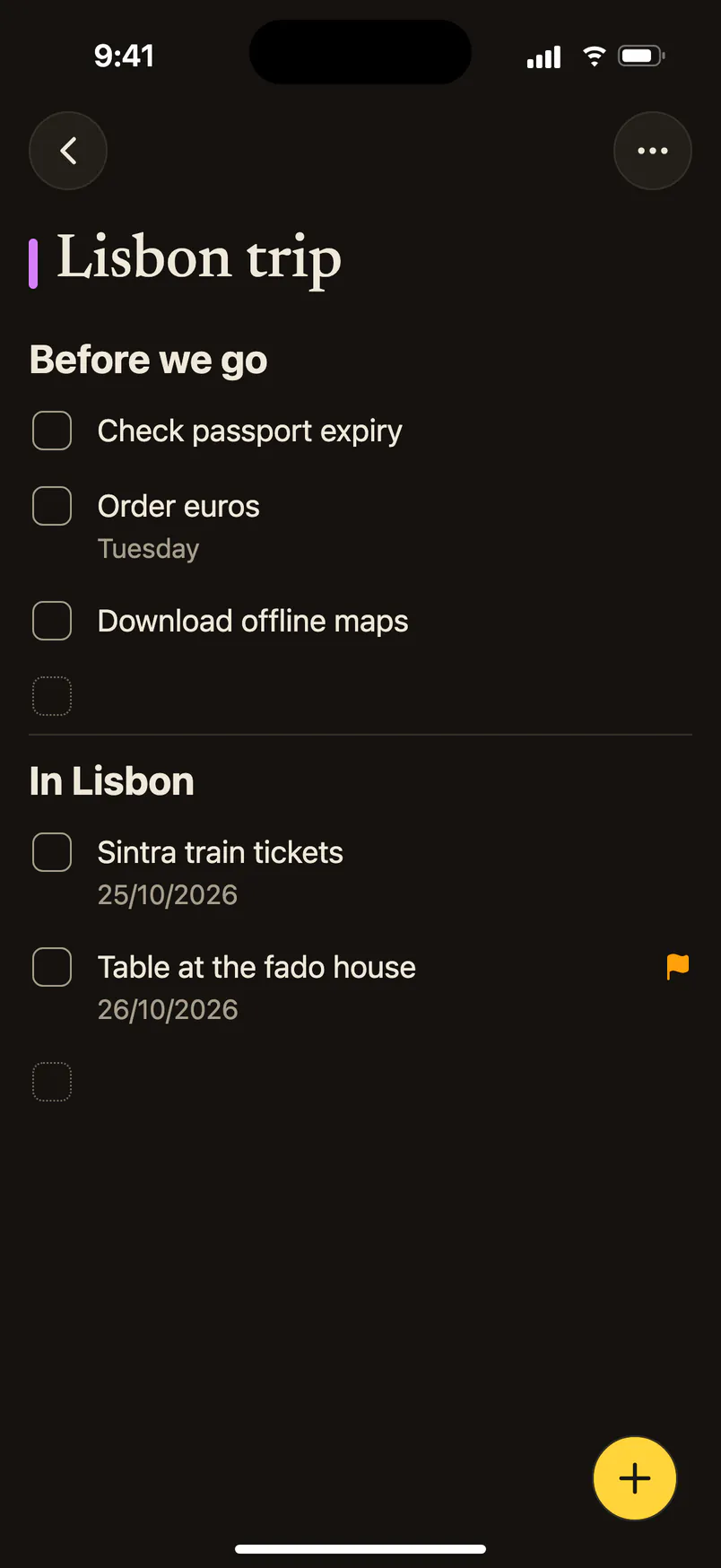
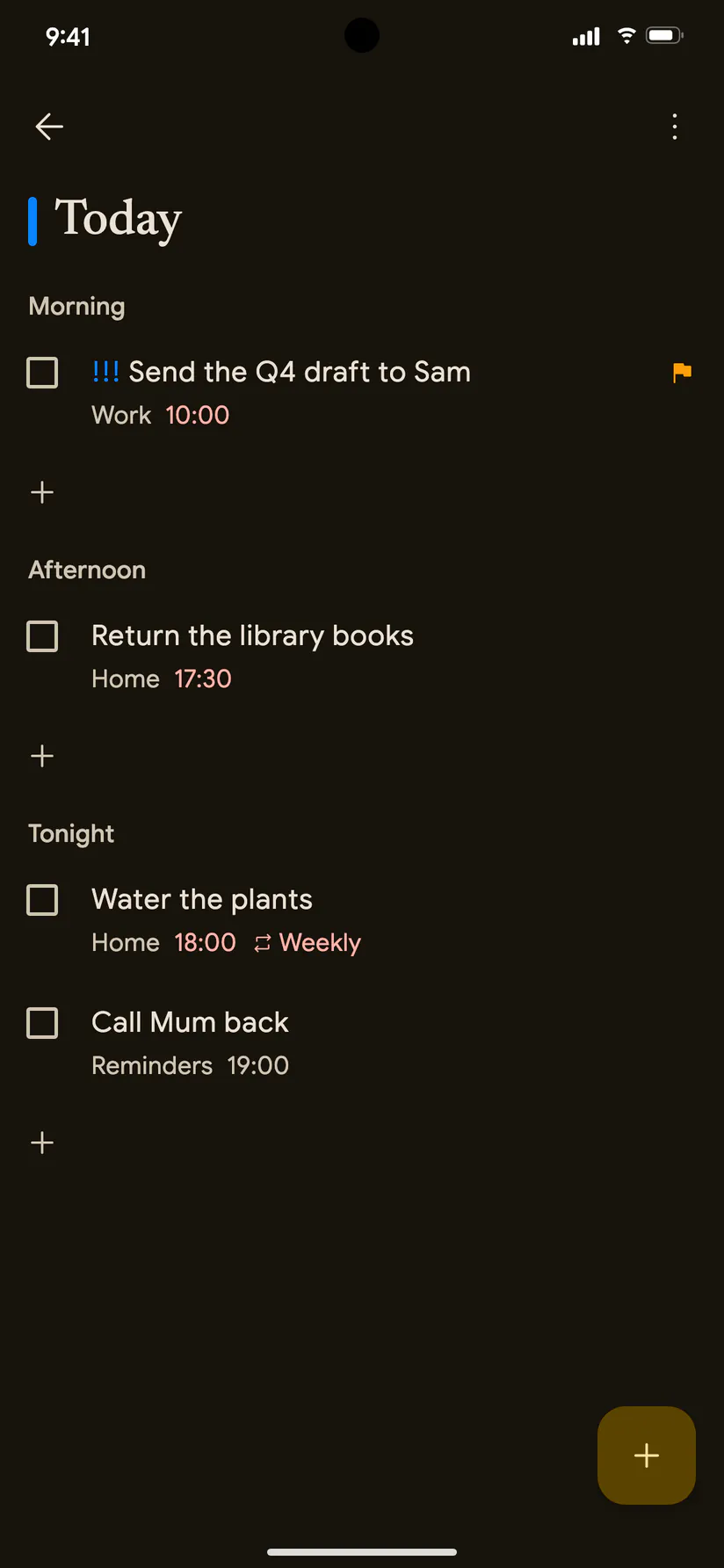
Get a nudge at the right time, on your phone or your computer. See everything that’s due today in one list.
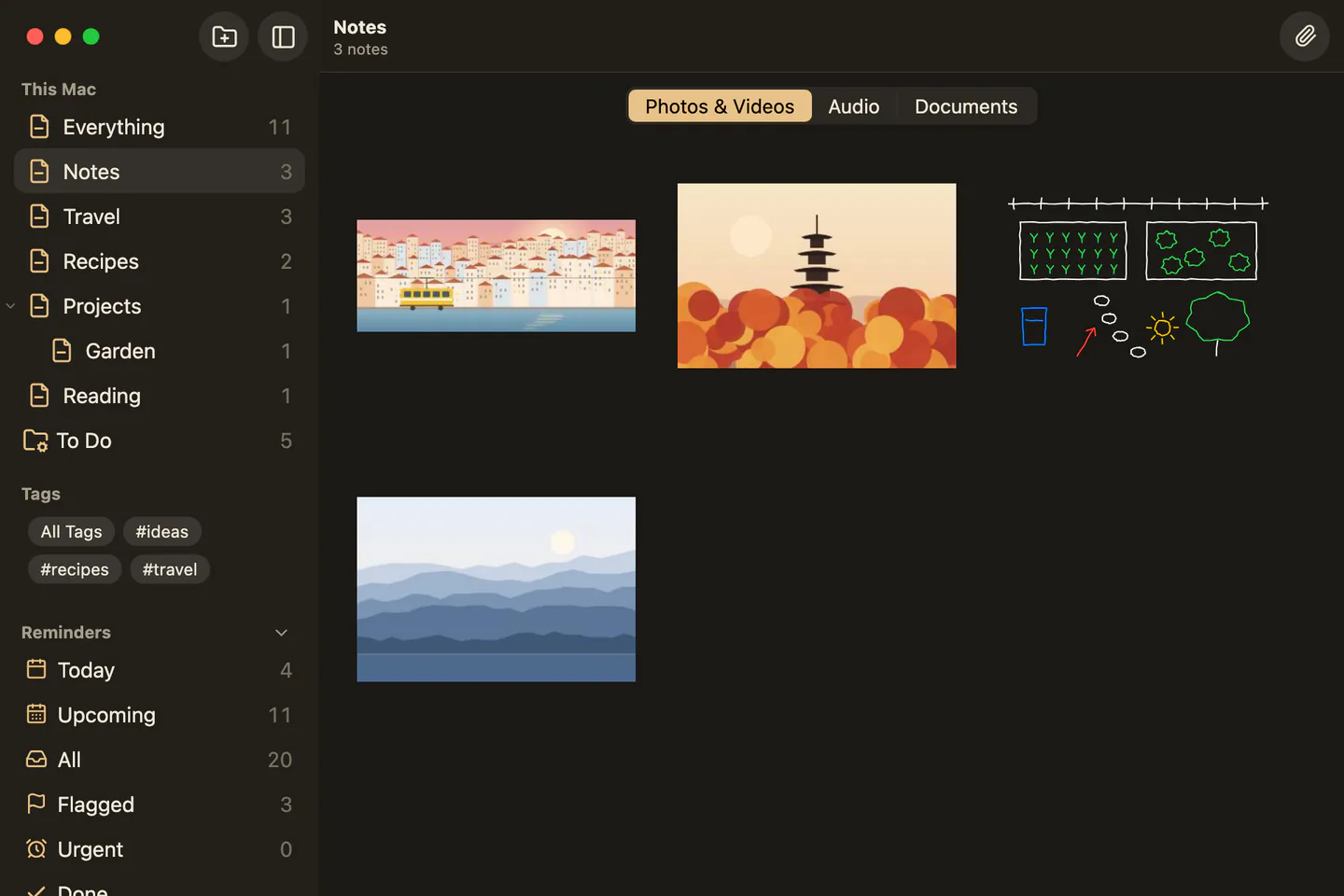
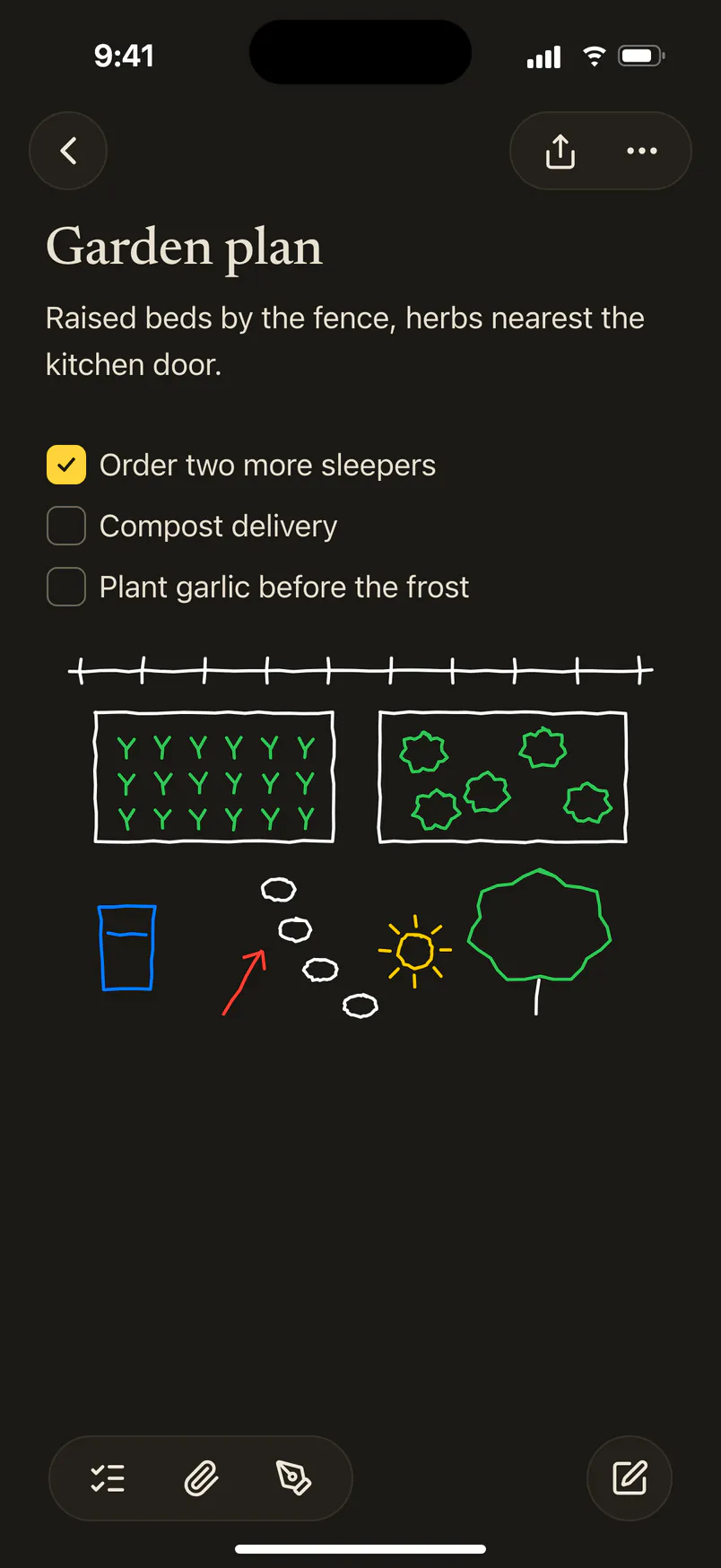
Drop in photos, videos, PDFs and audio, or sketch with your finger. Every one of them, from every note, is a tap away.
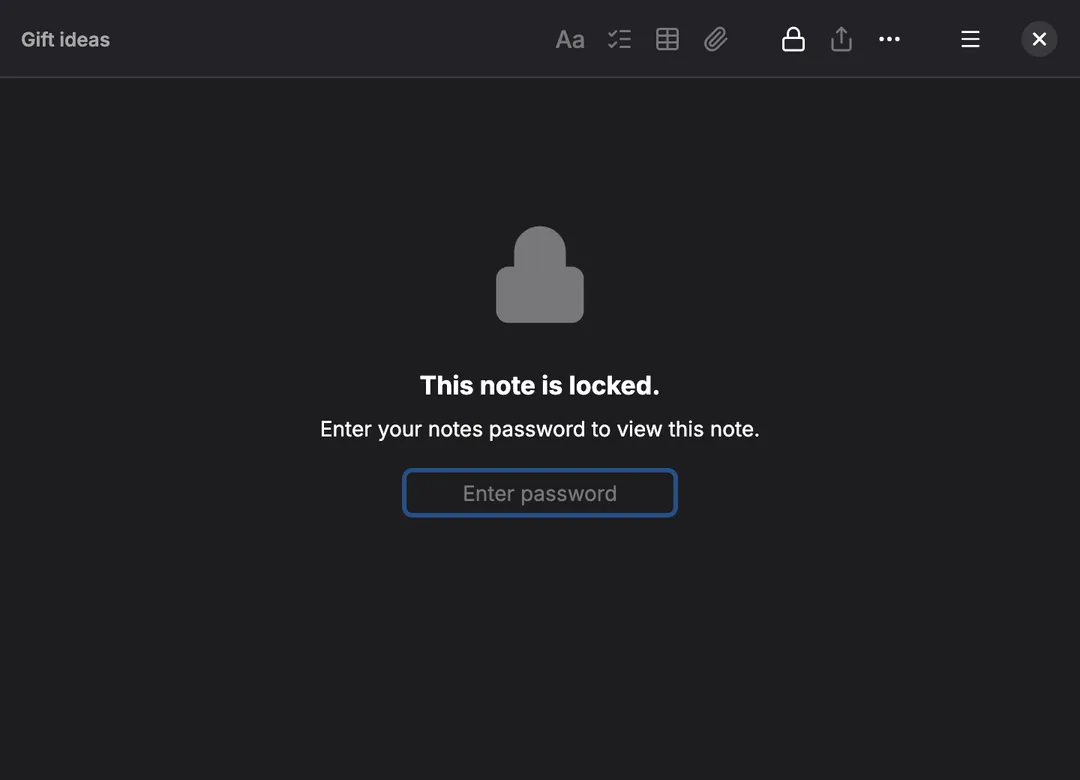
Gift ideas, bank details, a diary: lock any note, and only you can open it, with your fingerprint, your face or your password.
On a plane or in a tunnel, everything still works. Your devices catch up later.
Search ignores capitals and accents: “cafe” finds “Café”.
Smart folders gather notes by tag, date or what’s in them.
Share a note as a PDF, print it, or save everything as plain text.
Follows your device’s light and dark mode, all day.
No ads, no pop-ups, no feeds. Just your notes.
Notelet brings in your notes with their folders, dates, checklists and pictures. You see what’s coming before it comes in, and nothing is added twice.
Notelet was built so that nobody else can read what you write. Not advertisers, not hackers, and not us.
Your notes are scrambled on your own phone or computer, with a key only your devices have, before they sync. We keep them safe, but can’t read a word.
Notelet doesn’t show ads or watch what you do, and neither does this website. There’s nothing about you to sell.
Your notes live on your devices. Save all of them as PDFs or plain text whenever you like, and take them anywhere.
Every feature is free on every device. Notelet Cloud keeps your devices in step, and the first thousand people get it free for life.
Free
Every feature, on every device you own. Notes stay on the device you write them on.
Free for life
5 GB of sync for the first 1,000 accounts, as thanks for trying the beta. places left.
£10 a year
50 GB, plenty for years of notes and photos. Or 200 GB for £25 a year.
Yes. Every feature is free on every device. You only pay if you want more than the free storage on Notelet Cloud (paid plans open soon), and the first 1,000 accounts get 5 GB of it free for life.
No. Download Notelet and start writing. You only need an account if you want Notelet Cloud to keep your devices in step.
Yes, that’s exactly what it’s for. Notelet runs on iPhone, Android, Mac, Windows and Linux, and your notes follow you between any of them.
No. Your notes are scrambled on your devices before they sync, with a key that never leaves them. We only ever store the scrambled copy.
Your notes are still on your other devices and in Notelet Cloud. On a new phone, sign in and enter the recovery words you saved when you set up sync, and everything comes back. Keep those words somewhere safe: without them, nobody can unscramble your notes, including us.
Export them from the old app, then choose File › Import in Notelet. It understands Apple Notes, Google Keep, Evernote, Simplenote, Bear and Obsidian, and keeps folders, dates, checklists and pictures.
Notelet is ready for every day, but still being polished, and your feedback shapes it. Keep a copy of anything precious while it’s in beta: File › Export makes one in seconds.
Notelet is made independently, and isn’t part of Apple, Microsoft or Google. Questions or ideas? Write to hello@noteletapp.com.